The challenge of finding a reliable YouTube to MP4 4K converter in 2026 isn’t just about speed; it is about codec integrity. Most web-based tools fail to handle YouTube’s complex VP9/AV1 encoding, resulting in compressed 1080p files or videos with missing audio.
After 40+ hours of testing on Windows 11 and macOS, I have identified five tools that actually deliver native 2160p resolution for offline viewing and high-end editing.
Don’t want to miss the best from TechLatest?
Set us as a preferred source in Google Search
and make sure you never miss our latest.
Quick Preview: Short on time? Here’s the bottom line after hands-on testing:
Our Top Pick: [4K Video Downloader]. The best and most reliable way to download YouTube videos in real 4K. Once you set your format, it will automatically apply to all links. No need to mess with it.
Mobile Essential: [Vsave]. The best mobile device for downloading 4K videos. Saves media directly to your iPhone or Android storage without the annoying ads that are common on mobile sites.
Hard Pass: [Y2Mate / ClipConverter]. Stay away unless you’re looking for a fight with endless gambling ads and malware.
Read: How to Create AI Video Ads With Google Veo 3
1. 4K Video Downloader – Stable YouTube to MP4 4K Archiver
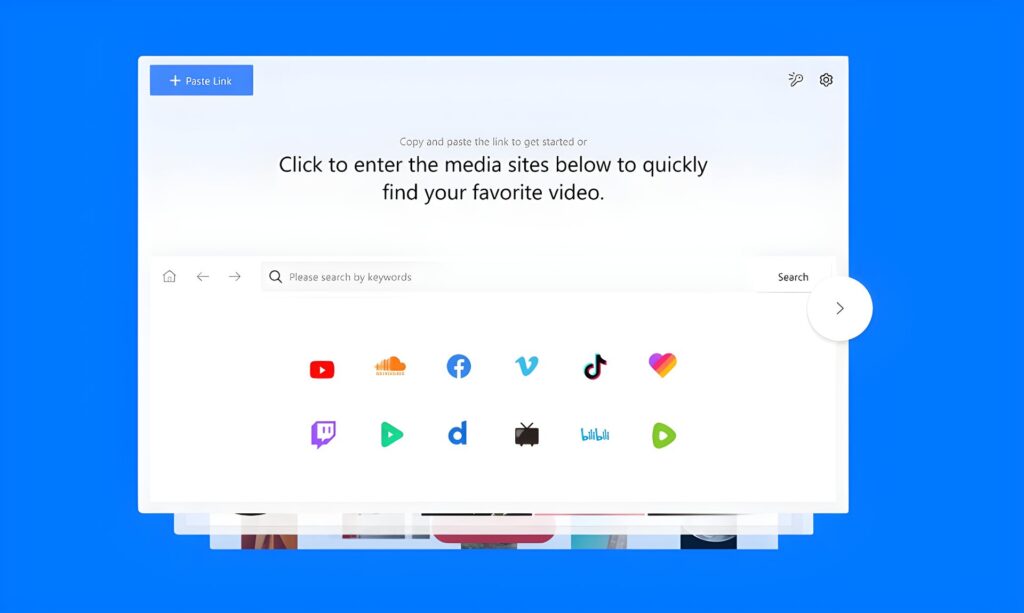
This is the best choice on this list for getting real 4K MP4 files every time. The interface is easy to use, the engine gets regular updates to keep up with changes to YouTube’s encoding, and the Smart Mode feature lets you set your settings once and never have to change them again. It’s the tool that just works, which is less common than it sounds in 2026.
What I liked: “Smart Mode” is a lifesaver for consistency. You define your ideal video settings once—format, resolution, and subtitles—and the software applies them to every link you add. It also handles 3D and 360-degree videos with ease.
What I don’t like: The free tier has become quite restrictive, now capped at 10 downloads per day. Additionally, every download opens a progress page, which interrupts the workflow.
Verdict: Recommended for casual collectors who prefer a “set-it-and-forget-it” archiving system.
2. ClipConverter.cc – The “Hit-or-Miss” Online Relic
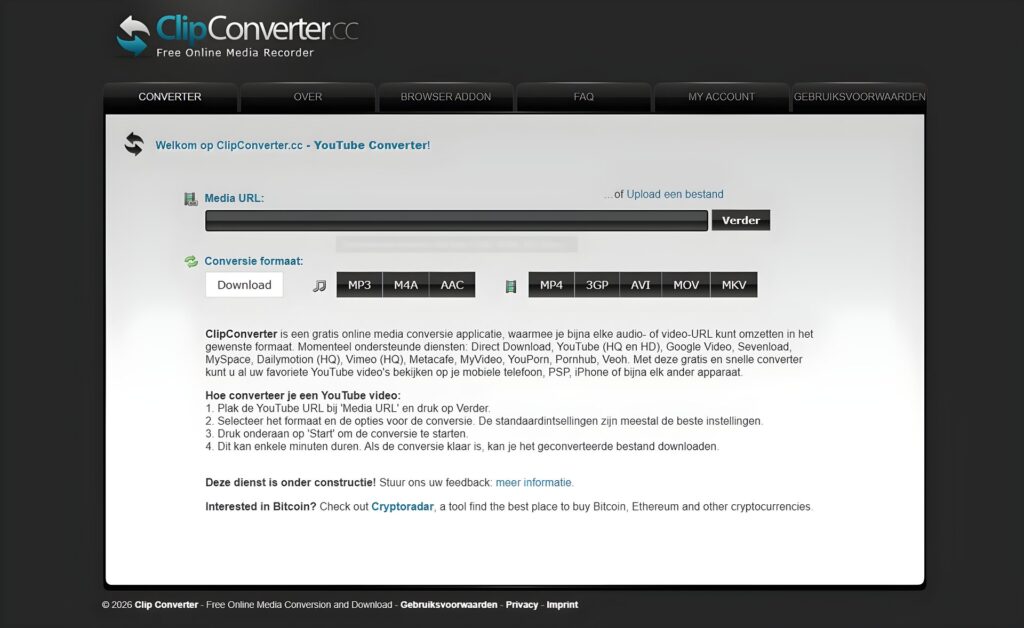
As one of the oldest names for people looking to convert YouTube to mp4 4k, ClipConverter.cc is still widely searched but increasingly unreliable for modern UHD standards.
What I liked: It’s a browser-based tool that requires no installation, which is tempting if you just need a quick, one-off download. It’s also completely free, which keeps it high in search results for users on a budget.
What I don’t like: The site is a minefield of “spammy pop-up ads” and aggressive redirects that feel like security risks. Technically, it often fails to parse 4K videos containing music due to copyright filters, and the “4K” output frequently ends up being a silent file because it can’t handle YouTube’s separate audio/video streams properly.
Verdict: Not Recommended. It’s a gamble. You’re more likely to end up with a virus warning than a high-quality 4K MP4.
3. Y2Mate: The Ad-Filled Minefield
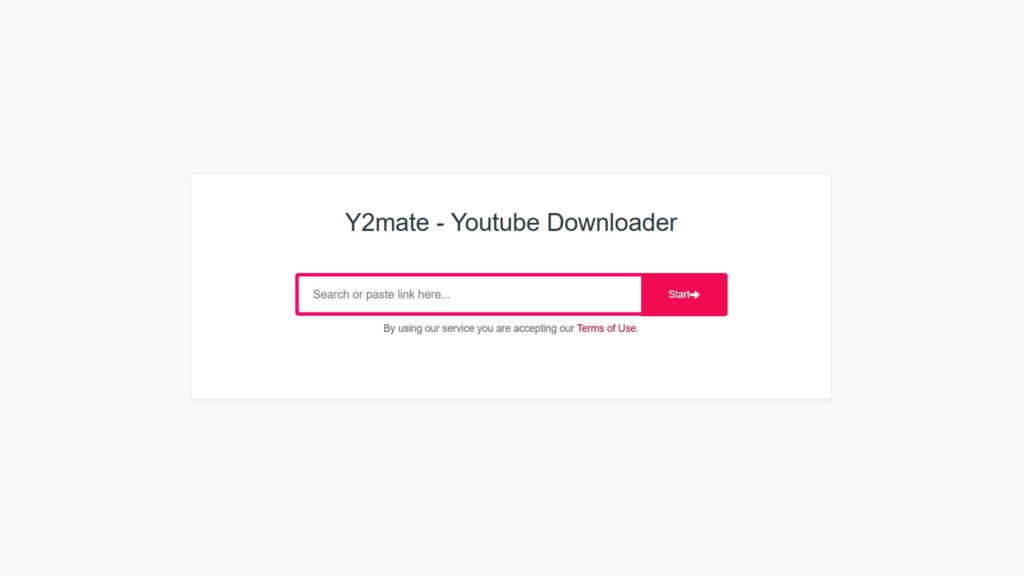
Y2Mate is a household name for YouTube 4K to mp4 downloads, but it is the textbook definition of “you get what you pay for” (which is zero).
What I liked: It’s incredibly fast at finding a URL. If you’re just looking for a low-res thumbnail or a 720p clip, it’s one of the fastest web-based options available.
What I don’t like: Trying to download a 4K file here is an exercise in frustration. Every click triggers a redirect to a gambling or “system update” scam site. Even if you manage to start the download, the resolution is often capped at 1080p despite the 4K label, or the download simply hangs at 99%.
Verdict: Not Recommended. Unless you’re comfortable playing “malware roulette” for a mediocre file, skip the headache. For anyone serious about a high-quality 4K library, stick to a dedicated pro tool like EasyDown video downloader.
4. iFoneTool EasyDown – YouTube to MP4 4K Batch Converter
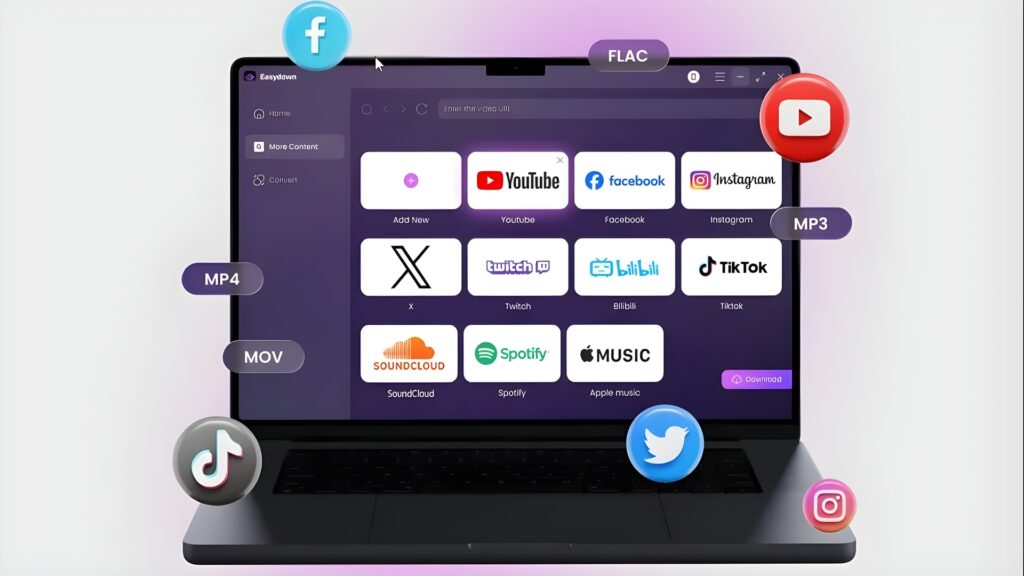
asyDown Video Downloader by iFoneTool is a specialized desktop program that gets around browser-based tools’ drawbacks. It can handle resolutions up to 8K and can download entire playlists in bulk. If you require batch processing, it’s worth testing; however, before committing to a paid plan, make sure your YouTube content is currently compatible.
What I liked: The “URL Intelligence” is unmatched. You can paste a single playlist, channel, or album URL, and it instantly parses every 4K stream available. This saves hours of manual copy-pasting. It also supports resolutions up to 8K and extractable 320 kbps audio without any invasive ads or tracking.
What I don’t like: While there is a free trial, the full speed and unlimited batching features eventually require a paid plan.
Verdict: The premier choice for professionals who need a secure, high-speed engine to build a massive high-resolution library.
More Features of Easy Video Downloader
- All-in-One Support: Download videos or audios from over 1000 sites and platforms. 4K/320 kbps support.
- Keep Original Information: Video thumbnails are saved automatically, ID3 tags remain complete and lyrics can be downloaded in LRC format
- High-Speed Download: Multi-thread acceleration completes downloads in about 20 seconds without affecting your computer or other programs
- Safety: No ads, no watermarks, and no tracking.
5. Vsave – Secure Mobile YouTube to MP4 4K Downloader
Vsave is the rare YouTube 4K to mp4 solution that functions effectively on mobile without the security risks associated with typical “ad-trap” mobile sites.
What I liked: It provides a direct path for iOS and Android users to save 4K videos directly to their local storage. This eliminates the friction of downloading to a PC and then transferring files to a phone. The interface is clean and doesn’t rely on aggressive redirects.
What I don’t like: There is no native macOS version. Also, the download speed throttles significantly for 4K files exceeding 5GB in size.
Verdict: The essential tool for mobile-first users who need high-bitrate content for travel or offline viewing on the go.
6. YTD Video Downloader: The Relic of the Past
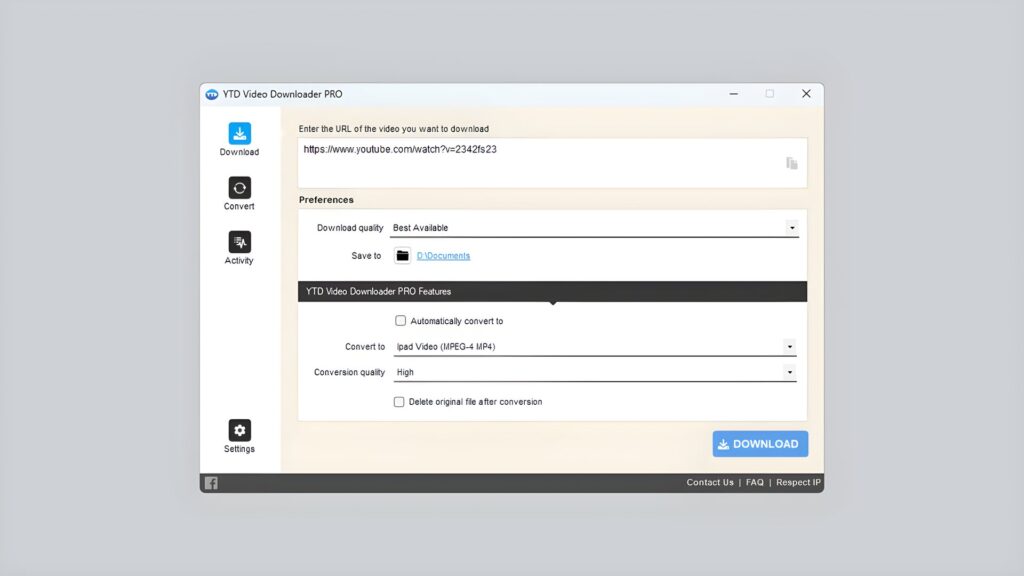
Once a dominant force in the YouTube to mp4 converter 4k market, YTD has failed to evolve, leaving it as a sluggish alternative to modern engines.
What I liked: It includes a built-in video player, which is a nice touch if you want to preview your content immediately after downloading.
What I don’t like: The free version is painful; it allows only one download at a time and lacks any form of batch processing. The installer is often flagged for containing “bundled extra software” (potentially unwanted programs) that clutters your computer.
Verdict: Skip It. It’s slow, it doesn’t handle 4K playlists effectively, and there are far cleaner, faster tools available in 2026.
7. VideoProc Converter AI – AI-Powered YouTube to MP4 4K Editor
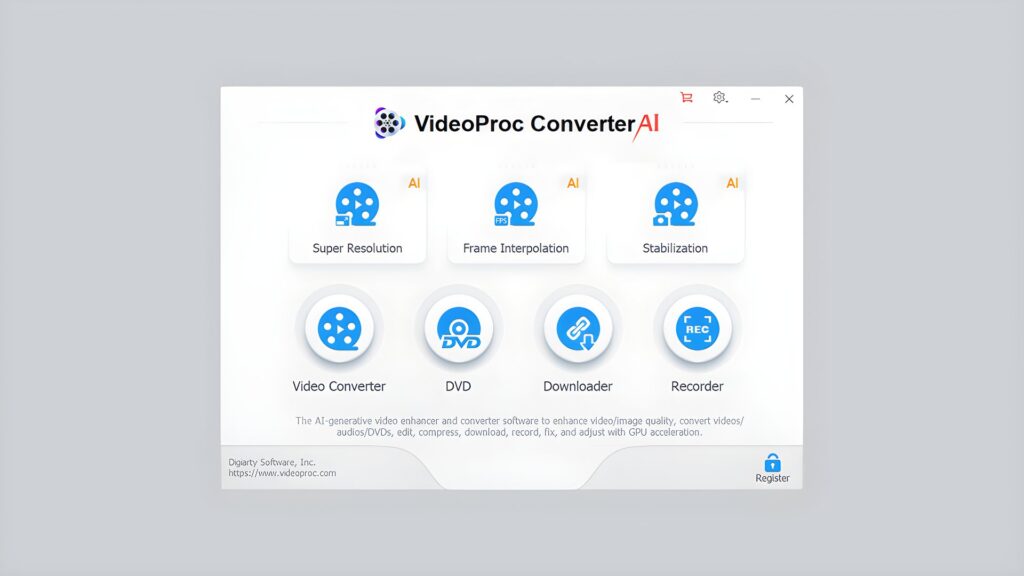
For users who need a YouTube to mp4 converter 4k and then refine the footage, VideoProc is more of a technical workstation than a simple downloader.
What I liked: It uses Level-3 Hardware Acceleration to leverage your GPU (NVIDIA, AMD, or Intel). This keeps conversion speeds high even for heavy 4K files without overheating your laptop. The built-in AI can also upscale or stabilize low-quality source material.
What I don’t like: The interface is cluttered with editing tools—like cutting, trimming, and recording—that are distracting if you only want a simple download.
Verdict: The UI is a mess; there are so many buttons it feels like an airplane cockpit. If you’re just looking for a clean, no-nonsense way to save 4K content,K Video Downloader’s Smart Mode is far more intuitive.
8. Downie 4 – Clean Mac YouTube to MP4 4K Downloader
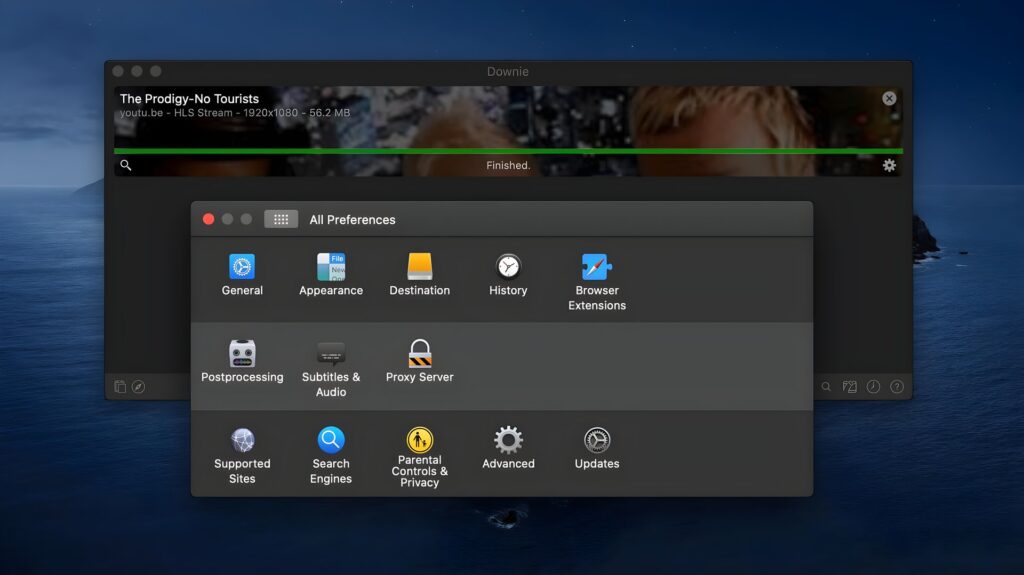
Downie 4 is designed for those who want a YouTube to mp4 4k converter that feels like a native part of the macOS philosophy.
What I liked: The drag-and-drop integration is perfect. You simply pull a link from Safari onto the dock icon, and the download starts. 32 It also supports iCloud synchronization to keep your download history consistent across multiple Macs.
What I don’t like: To access advanced file conversion or specific MP4 presets, it often requires a companion app called Permute. This makes the final workflow feel slightly fragmented.
Verdict: It’s definitely the aesthetic choice for Mac users, but in terms of a seamless ‘all-in-one’ experience, it’s still slightly more cumbersome than a cross-platform solution like 4K Video Downloader.
Read: Which is the Best Video Editing Software for Mac
Summary
The days of web-based converters that were unreliable are over. In 2026, the only dependable option for a safe and high-bitrate experience is a dedicated YouTube to MP4 4K converter. For the majority of users, 4K Video Downloader is the safest place to start because it is reliable, well-maintained, and simple to use. EasyDown is worth considering for large-scale playlist downloads. Vsave continues to be the cleanest choice for mobile-only workflows. In a world where 4K is the norm, stop settling for 1080p and select the tool that corresponds with your hardware.
Enjoyed this article?
If TechLatest has helped you, consider supporting us with a one-time tip on Ko-fi. Every contribution keeps our work free and independent.
Support on Ko-fiDirectly in Your Inbox