I have been working remotely since the start of my career. Security was not something that I thought about or took care of in my initial days. As long as I had a reliable internet connection and a capable system, that was enough to get my work done.
Over time, I realized that remote work often requires me to connect to networks that may or may not be trustworthy. I also learned that keeping my remote work setup secure requires more than just strong passwords.
Don’t want to miss the best from TechLatest?
Set us as a preferred source in Google Search
and make sure you never miss our latest.
That realization pushed me to rethink my workflow and gradually build a small set of security practices that I tend to follow whenever I work remotely. It involves a combination of habits and tools I use regularly. Today, I rely on a few simple layers, from password managers and two-factor authentication to occasionally using a VPN when I work on unfamiliar networks.
My basic remote work setup
Security starts with protecting the accounts and tools I use daily. So, I prefer to keep my workflow secure before adding other layers of protection. I have a simple and organized setup for my work. I have a high-end Windows PC at home and a MacBook Pro when I travel.
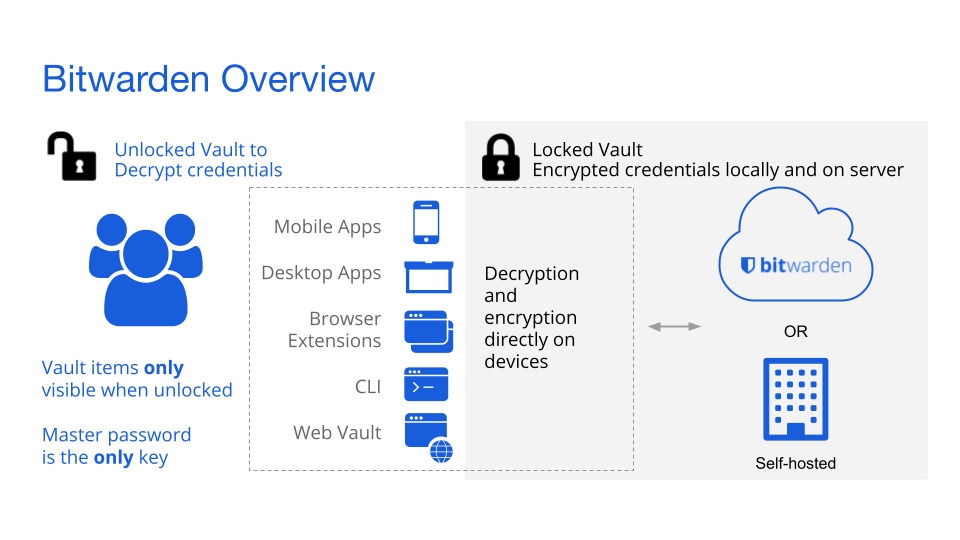
The first thing I do is check system updates, followed by updates for the tools I use, such as browsers and third-party server clients. When these are done, I then focus on login credentials. I always keep a strong and unique password along with two-factor authentication. To store these strong passwords safely, I rely on a password manager.
Apart from these, I tend to keep both my personal and work accounts, such as email and AI tools, separate so if one is compromised, it doesn’t affect the other. Even with these precautions, the network I connect to can still introduce risks.
Public Wi-Fi is the weakest link
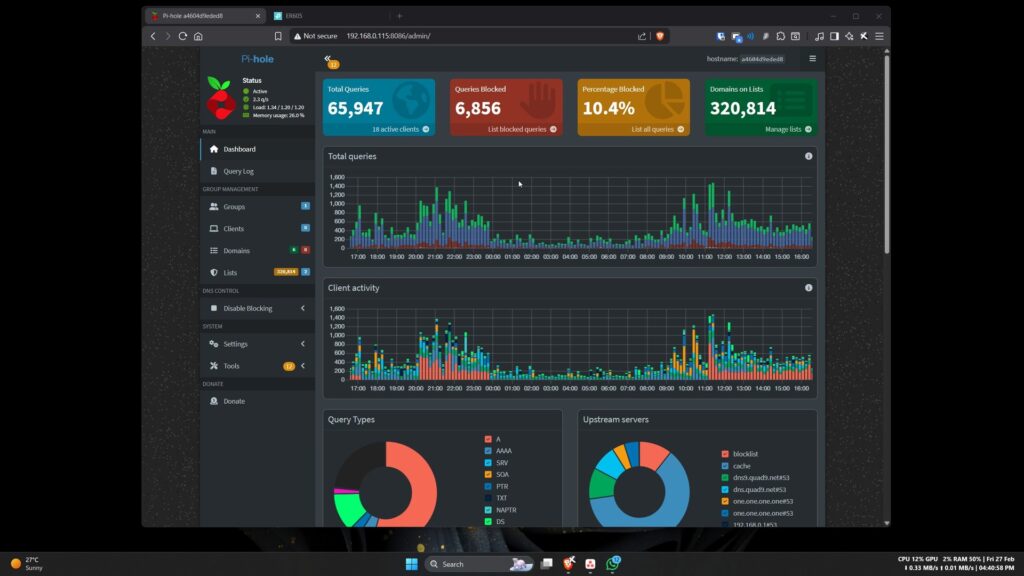
My home network is controlled and filtered with a few additional layers. I have a fairly organized network setup at home. All my devices are separated by different VLAN segments on my switch, such as main, NAS and server, IoT, and guests. No two segments are permitted to communicate with each other except during scheduled maintenance. On top of that, Pi-hole is set up on my main gateway to block trackers and unwanted domains.
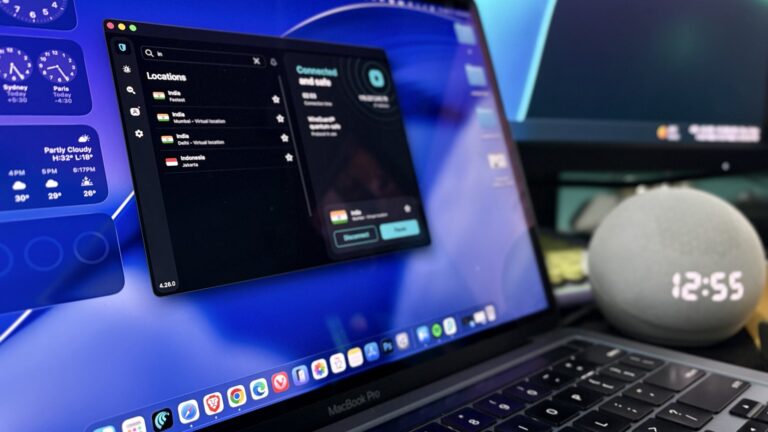
But that is only valid on my home network. Public Wi-Fi doesn’t have these robust protections. I am no longer under these additional layers of security. Unlike my home network, I have no control over how these networks are configured. When I am on public or unfamiliar networks, I rely on encrypted connections such as a VPN.
For more sensitive work such as remote NAS access and SSH to my self-hosted services, I depend on relay services like Tailscale. Tailscale helps me route my connection to my home network even when I am connected through public Wi-Fi.
Small habits that prevent big problems
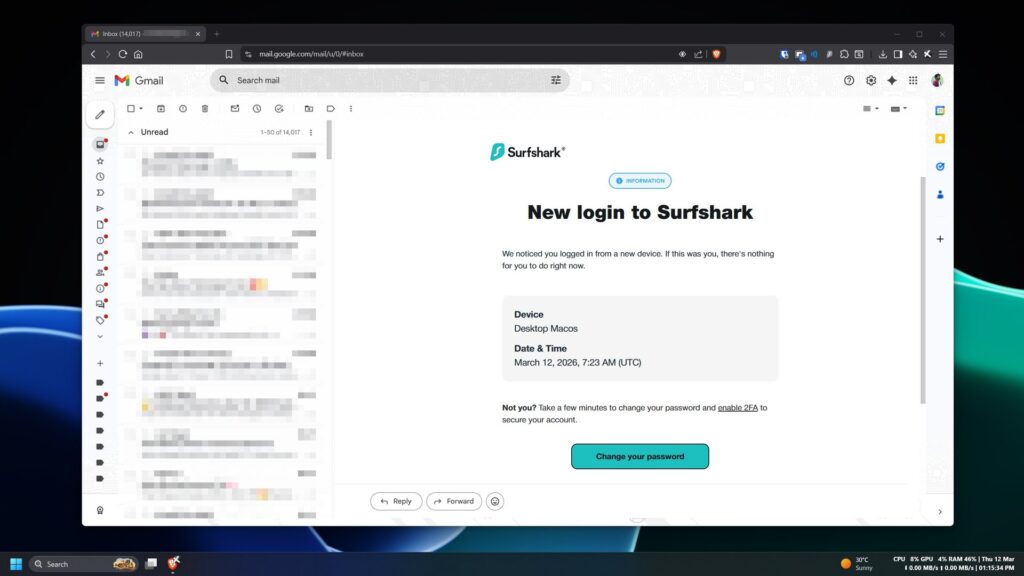
The tools and security layers are not enough to be fully protected when I am online. A few daily habits matter just as much as the tools themselves. These security layers are only the foundation of the protection; I still need to be more cautious when working remotely.
I naturally follow a few simple rules. First, I never keep my system unlocked when I leave my desk for even a few moments. This makes sure that no one can access my system or work when I am not around. Second, I always keep my work and personal browsing separate. Whenever possible, I also try to keep my systems separated too. Third, I always pay attention to login alerts and suspicious activity on my accounts. If I suspect anything unusual, I always try to reset my credentials as soon as possible.
Security isn’t just one tool; it is a combination of multiple small practices that together form a robust layer of protection. It is more common sense than technology. If you are aware of your workspace and your surroundings in a public space, you are already more secure.
Security Is More Than Just Tools
Remote work has given me the flexibility to work from almost anywhere in the world, but it has also made me more cautious about how and where I connect to the internet. Working remotely also means constantly moving between networks and devices.
Over time, I realized that while tools like password managers, network filters, and encrypted connections play an important role, they are only one part of the picture. In the end, I try to stay aware of my environment, and following a few simple habits matters just as much as the tools and technology I use.
Enjoyed this article?
If TechLatest has helped you, consider supporting us with a one-time tip on Ko-fi. Every contribution keeps our work free and independent.
Support on Ko-fiDirectly in Your Inbox