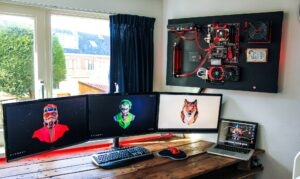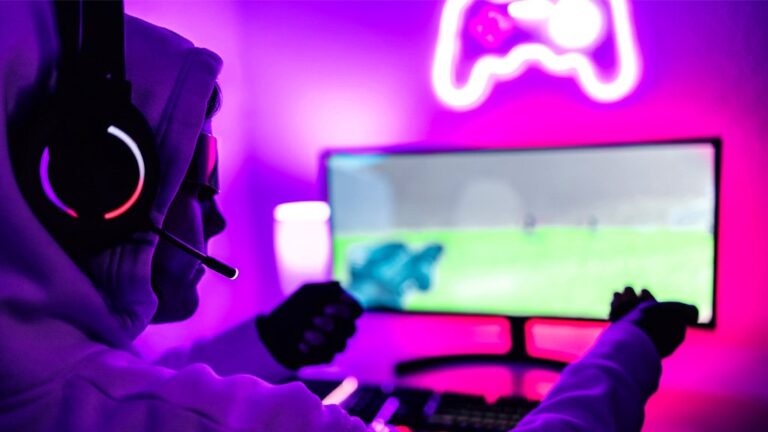
Gaming setups in 2026 look almost nothing like they did five years ago. Back then, a desk, a monitor, and a chair covered it. That was the whole thing. Now it’s more like this deliberate visual environment, where lighting balance, wall composition, and literally every little background element is saying something about the person sitting there. Neon signs landed right in the middle of that whole shift. Custom neon signs, specifically.
Most articles treat them like decoration. A wall piece. Some nice background for photos and Instagram stuff. But that misses the real point. When you use it correctly, a neon sign actually shapes the ambient lighting around your monitor, which directly affects how your brain processes input during long sessions.
Don’t want to miss the best from TechLatest?
Set us as a preferred source in Google Search
and make sure you never miss our latest.
It also keeps your streaming brand in people’s faces in every clip, thumbnail, and short. And it does all this with basically no effort after you hang it up. No settings to tweak every day, no annoying maintenance, no software to update.
The global gaming peripherals market crossed $11 billion in 2024. And it keeps going up because more players are investing in full-room setups rather than just raw hardware. That context matters a lot, because neon signs aren’t really in a separate category from “real” gaming gear anymore. They’ve crossed over.
This article covers which sign types actually perform in a gaming environment, which colors affect focus and mood, the research behind it all, how streamers use them to build real brand recognition, and where the most common mistakes usually happen.
Why gamers are actually adding these to their setups
Let’s be real about the main reason: nobody buys a neon sign after comparing lumen charts. You get one because you saw an awesome setup in a video, or a streamer’s background had that perfect glow that just looked cool and intentional. The emotional appeal is obvious.
What really makes the purchase worth it, though, is the practical side.
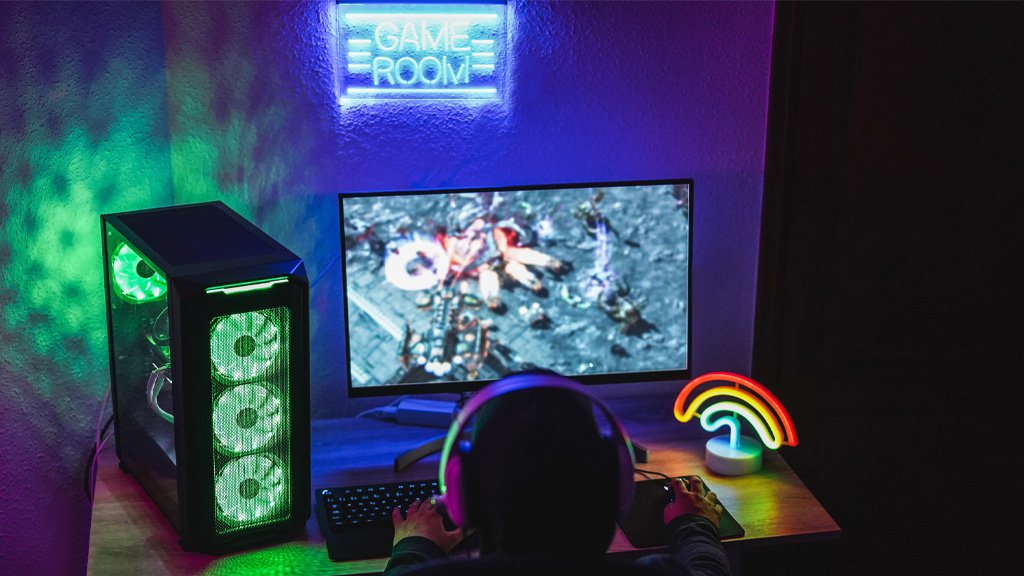
Adding ambient lighting around your monitor helps reduce the harshness of screen glare by softening the contrast between your bright screen and a dark wall.
This isn’t some new ergonomic trick; bias lighting (light placed behind screens) has been recommended in monitor setup guides for years. A neon light behind or next to your desk can work as both mood lighting and bias lighting. One purchase, two benefits.
If you stream, this matters even more. Twitch has millions of streamers competing for viewers’ attention, and a good-looking background can set you apart. People decide how professional you seem within seconds. A well-lit setup with a cool sign shows you put thought into your space, unlike bare walls.
Even if you don’t stream, your environment still matters. The way your room looks affects your mood and focus. When a space feels inviting, you settle in quicker and stay focused longer.
Best neon sign styles for every type of gaming room
The mistake most buyers make is treating this like a personality quiz: “I like purple, so I’ll buy purple.” That’s not wrong exactly. It just leaves real performance on the table.
A simple three-step approach works better.
Step 1: Match to your gaming genre and session mood. Competitive FPS setups like Valorant, CS2, or Apex Legends suit cool-toned signs, white, blue, or cyan, that reinforce the sharp, focused energy those games demand. Open-world RPG and simulation players tend toward warmer aesthetics: amber, soft purple, or gradient neons that fit longer sessions. Retro and arcade-style rooms are natural homes for classic script and character silhouettes.
Step 2: Make sure your design matches the room’s current style. A dark-wall, minimal desk pairs well with a single high-contrast sign in white or red. A maximalist room with posters, shelves, and RGB peripherals can handle bold multi-element designs or a custom gamertag sign without the space feeling cluttered.
Step 3: Check your room size. Smaller rooms under 150 sq ft can be overwhelmed by signs wider than 60cm. Larger dedicated gaming rooms handle 80 to 120cm centerpiece signs without issues; brightness control, though, becomes non-negotiable the smaller the space. A sign without a dimmer in a compact room isn’t a feature. It’s a design liability.
LED Nneon vs. traditional neon vs. smart panels: which one actually wins for gaming?
Most comparisons on this topic get reduced to a basic pros/cons list. That approach skips everything that specifically matters in a gaming environment.
Traditional glass neon is the original. Noble gases in hand-bent glass tubes produce a warmth and visual life that photographs beautifully; there’s a reason it’s still considered the aesthetic gold standard. But it runs at 3kV to 18kV, can interfere with infrared remote controls, and buzzes audibly. Not loudly. But in a quiet gaming room, especially during comms or competitive play, that constant hum becomes a real irritant. Its lifespan sits around 10,000 hours. For a gaming room, those are serious trade-offs.
LED neon has earned its current dominance. Running at 12V DC, it produces minimal heat near nearby electronics, emits zero audible buzz, causes no Wi-Fi or remote control interference, and lasts approximately 100,000 hours, which works out to over 11 years of continuous use. It’s lighter, easier to mount without specialist installation, and available in up to 18 color options with RGB variants. For gaming room applications, LED neon wins on every functional criterion.
Smart panels serve a fundamentally different purpose. They’re active background systems, reactive and dynamic, syncing with Razer Chroma or Corsair iCUE setups in real time. Genuinely impressive in motion. But they can’t replace neon signs for branding or fixed statement pieces; most neon can’t replace panels for reactive ambiance either. The answer here isn’t either/or.
| Gamer Type | Best Choice | Why |
|---|---|---|
| Competitive / FPS | LED neon (blue or white) | No noise, stays cool, and keeps a steady background focus |
| Streamer / Creator | Custom LED neon (gamertag or channel) | Branding that’s always visible and safe for cameras |
| Casual / Aesthetic | LED neon or panel hybrid | Stay flexible in your mood without losing performance |
| Retro / Arcade fan | Glass neon (if budget allows) | Genuine warmth comes with the trade-offs |
How neon sign colors affect your focus, mood, and gaming performance
Skip the “blue equals calm, red equals energy” summary. Here’s what the actual research maps to specific gaming scenarios.
Studies on gaming and workplace lighting show that cool white or daylight-equivalent light at 4,000K to 6,500K stimulates cortisol production and supports sustained alertness.
Research shows that 300 lux of light at 6,500K helps people focus on tasks that require a lot of thinking. In a gaming room, blue and cyan neon lights can create a similar effect, providing cool-toned background lighting that helps players stay alert during intense FPS competitions.
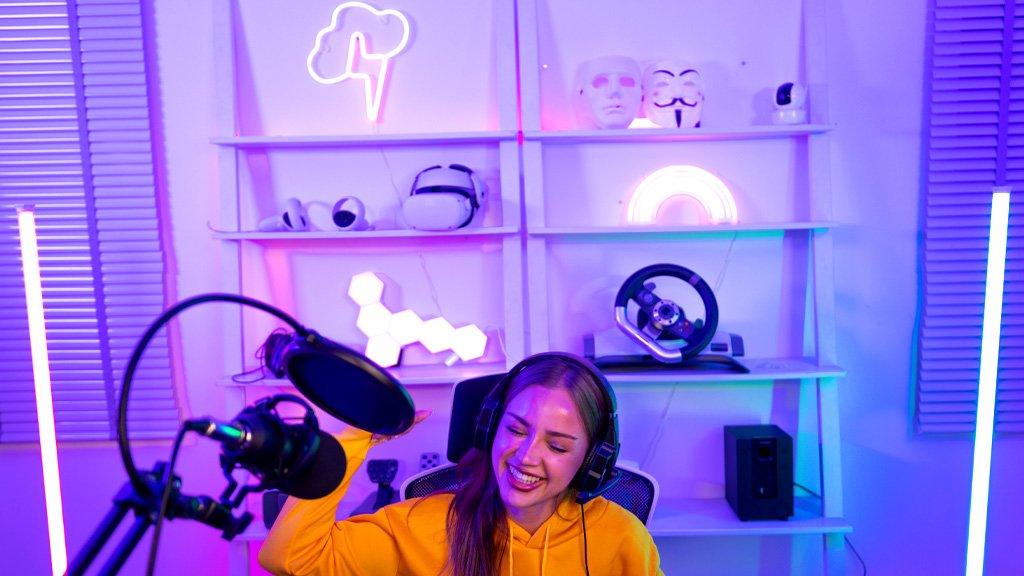
Streamers often overlook purple and pink, but they’re great color choices. They look clear on most standard webcams without the color smudging that red can cause on cheaper cameras. Plus, they don’t clash with your main lighting, so your video feed stands out and looks sharp with minimal work.
Warm amber and orange lights, in the 2,700K to 3,000K range, are especially useful at night. Blue light tells your brain to stay awake by lowering melatonin levels. Warm amber light doesn’t have that effect, making it a smarter option for late-night use when you want to get good sleep afterward. This isn’t just a wellness trend and it’s how our bodies naturally work.
Green is a proven choice for reducing eye fatigue. Studies in interior design and color therapy show that green rooms help lower visual stress during long periods of concentration. If you’re planning a four-hour RPG session, using green ambient neon lighting is definitely worth considering.
| Color | Best Use Case | Why It Works |
|---|---|---|
| Blue / Cyan | Competitive FPS, ranked sessions | Cool spectrum supports cortisol and alertness |
| Purple / Pink | Streaming, content creation | Photographs cleanly; no webcam color bleed |
| Warm Amber | Late-night casual gaming | Reduces melatonin disruption; supports sleep |
| Green | Long RPG / simulation sessions | Associated with reduced ambient visual fatigue |
| White | Streaming, all-purpose setups | Camera-safe, versatile, no color conflicts |
| Red | Short high-energy sessions only | Stimulating but fatiguing over extended periods |
A specific warning about eye strain: Short-wave blue light in the 415-455 nm range has been shown in peer-reviewed studies to contribute to dry eyes and disrupt sleep cycles. Warm-white LED neon gives off very little light in this range and is generally safe for long-term use.
However, bright blue neon signs placed directly at eye level for four hours or more should be treated with the same caution as any blue-spectrum light source. To reduce risk, place these signs above your direct line of sight, such as on the wall behind your monitor rather than next to your face.
Where to place neon signs in your gaming room for streaming and gaming
Most gamers choose a wall that looks good from their chair and leave it at that. A better approach is to consider both yourself while gaming and what your camera captures if you stream.
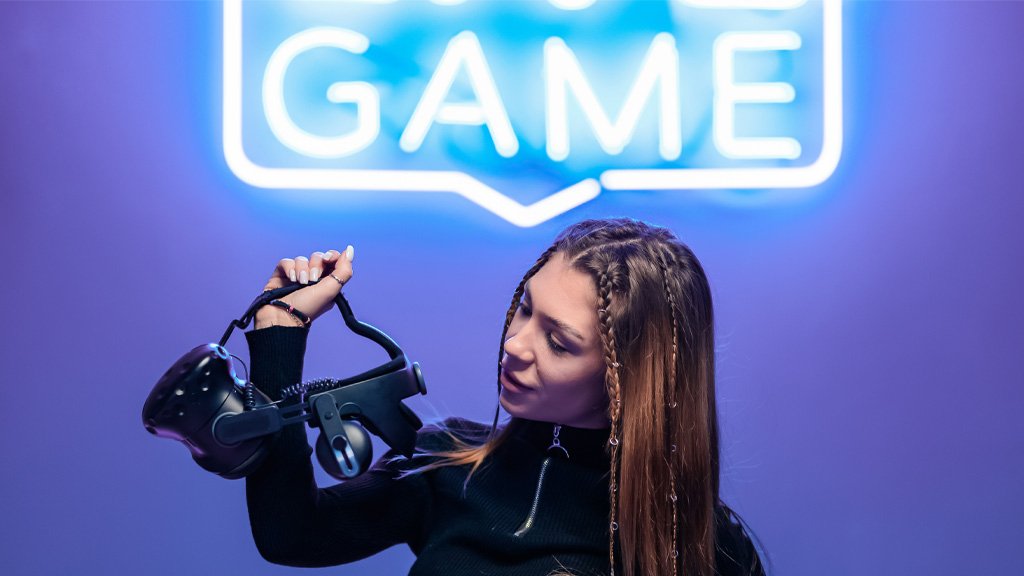
These two goals don’t always match up. The spot that looks best from your desk might be out of view on your camera or hidden behind your head. Before you start mounting anything, turn on your webcam, set up your shot, and mark the edges of what the camera can see. This simple step will help you avoid the most common mistake people make when setting up their gaming rooms.
For streaming: position your sign at shoulder-to-head height on the wall behind you, offset slightly to one side. This places it in the upper portion of your webcam frame, visible and contributing to the composition, but not dominating it. Signs placed directly
The above monitor level often gets cropped by standard 16:9 webcam framing unless you’ve tested the exact angle first.
For daily ambiance without streaming: placing the sign on the wall the monitor faces, behind the screen from your perspective, creates the bias lighting effect that reduces eye strain during extended sessions more effectively than a side-mounted sign. The indirect glow provides ambient illumination without ever entering your direct line of sight.
How streamers use neon signs to build a recognizable brand
Viewers discover streamers through clips, not live streams. Someone finds a highlight on TikTok or YouTube Shorts, registers the visual environment, including that glowing sign in the background, and connects it back to the live channel when they encounter it again. Your background isn’t just a set piece. It’s a recurring brand touchpoint that appears in every clip anyone shares, whether you planned it or not.
Custom neon signs function as passive branding infrastructure in exactly this way. A sign featuring your channel name, gamertag, or logo shows up in every session, every thumbnail, and any screenshot someone grabs. Neon Designs produces purpose-built streaming signs, custom text and logo designs sized and calibrated for webcam visibility rather than just wall decoration.
The technical nuances matter more than most people realize. Red neon can cause sensor bleeding on budget webcams, creating a distracting halo effect that undermines otherwise clean footage. White is safest for mixed lighting environments. Purple and pink perform better than expected on most CMOS sensors and give streams a distinctive look without the risk of color bleed.
The positioning of your sign relative to your key light also shapes the final on-camera image. If your sign and key light are on the same side, the sign tends to wash out. Position them on opposite sides, key light left and neon sign right, so both elements contribute to the frame without competing for visual dominance. A $150 to $200 custom sign from a reputable maker eliminates the need for expensive backdrop panels, patterned backgrounds, or a green-screen setup. That’s a compelling one-time investment for something that doubles as room decor and streaming infrastructure.
Common neon sign mistakes gamers make (and how to avoid them)
These aren’t just theoretical mistakes; they pop up in every “gaming room regret” thread, and almost all of them can be avoided with just a few minutes of planning.
Mistake 1: Buying a sign that’s too small. A 30cm sign might look big in online photos, but on a 2-meter wall, it will barely stand out. As a rule of thumb, your sign should cover at least 30-40% of the wall’s width to look intentional rather than like an afterthought.
Mistake 2: Choosing franchise-specific designs. A sign featuring a specific game title or character looks relevant today and dated in two years when you’ve moved on, or the franchise has peaked. Custom gamertags, generic gaming icons, and original designs age far better.
Mistake 3: Forgetting about brightness control. A sign that looks great during late-night gaming can be way too bright during the day if sunlight is coming in. If your sign doesn’t have a dimmer or app-based brightness controls, you’re stuck with one setting. For streamers calibrating overall lighting balance, this isn’t a nice-to-have. It’s required.
Mistake 4: Not planning cable management ahead of time. LED neon signs need power, and that means dealing with cables. Make sure you know where your nearest outlet is and how you’ll hide the cable before you buy anything. Cheap wall-mounted cable channels can make your setup look professional instead of messy.
Mistake 5: Focusing only on how the room looks instead of how it appears on camera. If you stream, even occasionally, test the webcam framing before final installation. Two feet of vertical height adjustment could be the difference between your sign appearing prominently in every stream and being cut off entirely.
Cheap vs. premium signs: what’s actually worth the money?
Both price ranges meet real needs, as long as you’re clear about what you want and why.
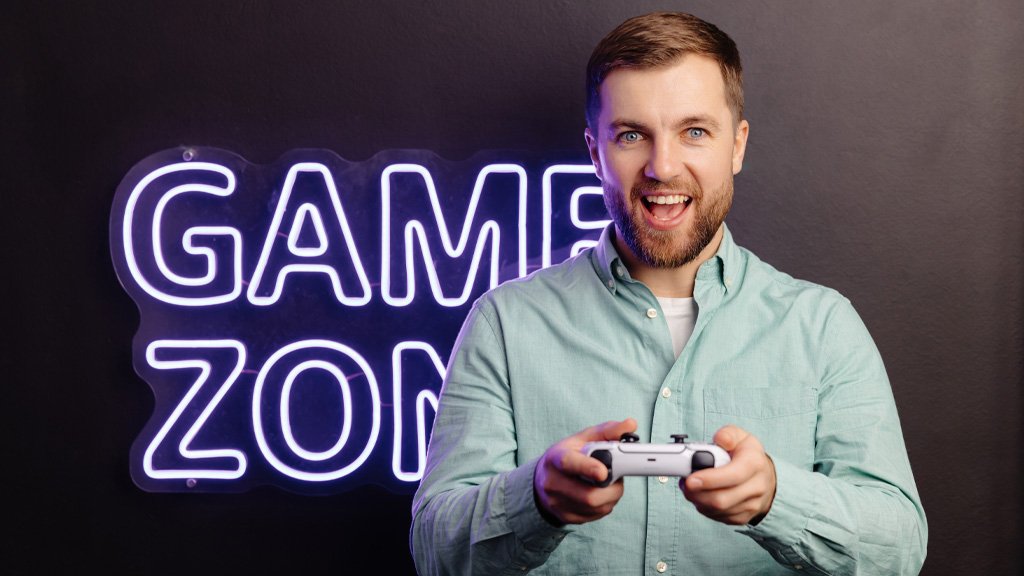
Budget tier ($20 to $80): These are mass-produced LED neon signs with standard designs like “GAME ON,” “GAME ZONE,” joystick icons, or simple text. They give you a nice glow at a low price. However, you usually won’t get brightness controls, the acrylic quality can vary, and your sign will look just like thousands of others. They’re a good choice if it’s your first setup or if the sign won’t be on camera.
Mid-tier ($100 to $200): Here, you start getting real customization, better acrylic materials, and proper brightness controls. Signs in this range often include a dimmer, mounting hardware, and a warranty from the manufacturer. For most gamers, this is the best balance between quality and cost.
Premium tier ($200 to $500+): You can get a fully custom sign with your gamer tag, logo, or any design you want. Premium options use higher-density LEDs for more even lighting and thicker silicone for a cleaner look. Companies like Neon Designs make custom signs in this space that work well for both room decor and streaming setups. A mid-sized custom sign usually costs $200 to $300, often less than other specialized background gear.
Most setups won’t see much difference between a $300 custom sign and a $500 one. Higher prices generally pay for larger sizes, more detailed shapes, or special colors, not for better lighting or build quality. Make sure you know what extra features you’re getting before spending more.
Are neon signs safe for long gaming sessions?
Here are four key points to consider:
Heat output: LED neon signs use 12V DC power and give off very little heat, so they’re safe to use near electronics. Traditional glass neon signs run at much higher voltages (3,000V to 18,000V) and can get warm around the transformer, but with modern LED neon, heat is rarely an issue for most gaming rooms. Overheating isn’t something you need to worry about with LED neon.
Eye strain: Warm-white LED neon (around 3,000K) gives off almost no blue light and is safe for your eyes during normal use. Signs that use cool-white or blue LEDs emit the same type of blue light as your monitor. To reduce eye strain, mount signs above your line of sight and dim them during late-night gaming sessions.
Energy consumption: LED neon signs typically use between 5 and 20 watts, depending on their size. Running a small sign for six hours a day will only add about $0.30 to $0.50 per month to your electric bill at average rates. The high energy use that made traditional neon impractical isn’t a problem with today’s LED versions.
Overnight use: It’s generally safe to leave LED neon signs on overnight. They run on low voltage, give off very little heat, and are made from flexible, shatter-resistant materials. Just make sure the power adapter is certified (look for CE, UL, or FCC marks), and don’t cover or enclose the sign while it’s on.
Final verdict: are neon signs worth it for your gaming room?
Yes, it’s worth it. However, the benefits depend on your setup and making thoughtful choices about the type, color, size, and placement of the sign. Still, the main idea holds up.
The clearest benefit is for streamers and content creators, where you can actually measure the return: your brand is visible in every clip you share, your visual identity stands out across different platforms, and the sign adds backdrop value that rivals dedicated studio panels at a similar cost.
For casual gamers, the reasons are less obvious but still valid. A well-chosen sign in the right color can improve the room’s lighting, make your space more enjoyable to be in, and doesn’t require any ongoing effort.
As reactive lighting systems like Razer Chroma and Corsair iCUE improve their game-syncing, neon signs will become an even more important part of layered lighting setups. They’re the fixed, branded element that always stands out.
Reactive panels change with the mood and action. The neon sign is always there, always yours, always recognizable in every shot. That’s the combination that top setups are already aiming for.
Enjoyed this article?
If TechLatest has helped you, consider supporting us with a one-time tip on Ko-fi. Every contribution keeps our work free and independent.
Support on Ko-fiDirectly in Your Inbox