Tech Tips
This column of our blog will provide readers with a variety of useful and practical tips and tricks for using technology products and services. The column will cover a variety of devices and software such as smartphones, laptops, smart home devices, and more. We’ll also provide insights on the latest trends and developments in the tech industry, such as new features and best practices for optimizing technology use.

Best Apple Watch Series 11 Bands You Can Buy Right Now
If you just picked up the Apple Watch Series 11, you already know the stock Apple band that came in the box is fine, but it isn't…
Adapting Figma’s Multiplayer Architecture to Power Real-Time Collaborative Video Editing Timelines
Collaborative editing is now a standard feature in design tools, where multiple users can work in parallel without conflicts. Video editing software, however, has yet to fully…

T-Mobile Postpaid Plans: What’s Included, How They Work, and Who They Suit
With postpaid mobile plans, you don't pay upfront — you use your phone through the month and get a bill at the end based on the plan…

How Technology Helps Pharmaceutical Companies Prevent Contamination in Drug Batches
Pharmaceutical contamination control is increasingly powered by connected instruments, automated monitoring, and data-driven quality systems. While clean facilities and disciplined procedures remain essential, manufacturers now rely on…
Google Pixel Bootloader Unlocking Guide: Step-by-Step Tutorial
You can do anything you want with your Google Pixel once you unlock the bootloader. Whether you are a developer, ROM interest user, or even a normal…

How the Cloud Has Redefined the Dynamics of Enterprise Technology Resources
For years, corporate IT operated under a rigid model: hefty investments in physical infrastructure, time-consuming procurement cycles, and scalability that required significant capital and meticulous planning. In…
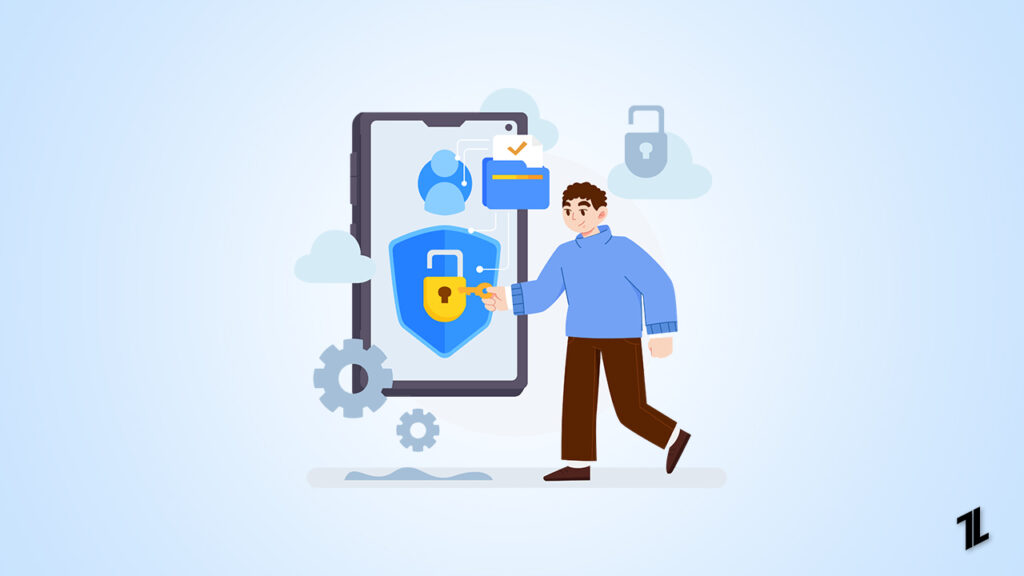
How Mobile Proxies Work: Architecture, IP Rotation, and Use Cases
As internet platforms grow more sophisticated in detecting bots and automation tools, traditional proxies are becoming less effective. In this environment, Mobile Proxy offers a powerful alternative,…

Windhawk for Windows: The Ultimate Tool to Customize Your PC Experience
Sick of being limited to the way Windows looks and feels? Ever wished you could bring back missing features or tune annoying UI behavior to better meet…

How to Use QoS (Quality Of Service) to Prioritize Your Devices
Several devices share the bandwidth simultaneously in most houses. All the smartphones, tablets, smart TVs, gaming devices, and computers are connected and are consuming data. This contest…

How Small Businesses Handle Tech Issues From Anywhere
For small businesses, managing technical problems efficiently is essential to avoid downtime, protect productivity, and maintain customer satisfaction. With teams often distributed across locations and fewer resources…

Don’t Miss the Innovation Train! The Financial Market in the Digital Transformation Era
The financial world will never be the same again. Where traditional banks once dominated with rigid structures and bureaucratic processes, today, technology is breaking barriers and creating…

How to Get Perplexity Pro Free for One Year with Airtel?
Discover everything about Perplexity Pro, a smarter way to search, now available FREE for Airtel users! Learn how to use it, what features it has, and why…

How to Get Gemini Pro Free for 1 Year? (Gemini Student Offer)
Learn how to claim a full year of Gemini Pro with Gemini 2.5 Pro for free. This easy, step-by-step guide walks you through eligibility, verification, and activation.
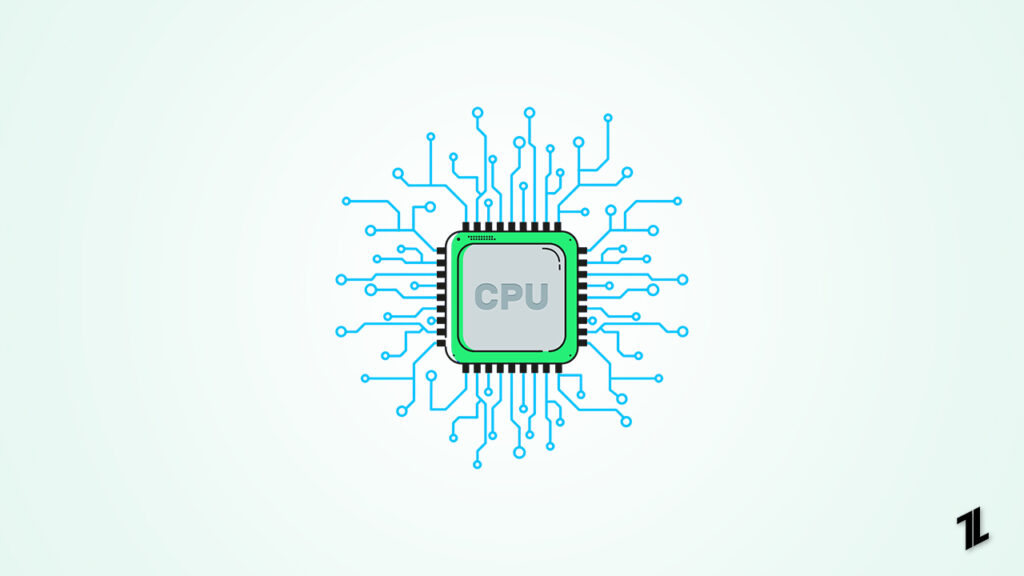
Is My CPU Bottlenecking? How to Check & Fix It
Built a high-end gaming PC? Are you slogging through the benchmarks but not quite seeing the performance you expected? You could be running into a CPU bottleneck…

How CZUR StarryHub Solves Screen Mirroring Not Working?
Screen mirroring is meant to make our work and presentations easier—no cables, no hassle, just instant sharing from your device to a bigger screen. But anyone who…

How to Completely Disable Leo AI in Brave Browser?
Brave browser's built-in AI assistant feature "LEO" offers many breathtaking features like page summarization, smart replies, and AI-enhanced search - but not every user wants AI to…
End of content
No more pages to load