Tech Tips
This column of our blog will provide readers with a variety of useful and practical tips and tricks for using technology products and services. The column will cover a variety of devices and software such as smartphones, laptops, smart home devices, and more. We’ll also provide insights on the latest trends and developments in the tech industry, such as new features and best practices for optimizing technology use.

How to Perfect Your Prompt Engineering Skills: Top Tips & Best Platforms
Master the art of prompt engineering with these tried and tested tips, plus our definitive list of the best AI platforms to grow your generative skill sets.

Best AI Dubbing Tools for Video Localization (2026 Guide)
What is the best AI dubbing tool? Get top 5 video dubbing tools online in this post. Let any one of them help you dub and localize…

Simplifying Access to Digital Services with QR Codes
Digital services are expected to open instantly, whether users are logging into apps, activating devices, or accessing online platforms. Many companies now rely on a QR code…

How to Budget for Remote Work: From Home Office Design to Tech Investments
On paper, the idea of working from home seems perfect. Skipping the long commute and having flexibility in your routine really is the ideal work setup. Just…

How to Enable SVG Thumbnail Preview in Windows 11 File Explorer
SVG (Scalable Vector Graphics) files are a vector image format used by web developers, designers, and anyone who works with graphics. Windows 11 brings improved UI and…

Knowledge Distillation: How to Make LLMs Easier and Save Accuracy
The article is op-ed authored by Kirill Starkov. The development of modern LLMs has led to incredible results: state-of-the-art performance, high quality, and, unfortunately, computational costs. Engineers tend…

Time-Sensitive Notifications on iPhone: What They Are & How to Use
If you use an iPhone or iPad, you know that the notifications can be overwhelming. With social media pings, email alerts, and app reminders, our devices are…

This PC Can’t Run Windows 11 Error in Hyper-V: Causes and Complete Fix Guide
Microsoft announced Windows 11 with more stringent hardware demands than the software's current version, Windows 10. Though many users have had success upgrading on actual hardware, as for…

How to Download VR Videos from YouTube: Complete Guide
Watching a VR video on YouTube can be a fun experience. You can hop into a VR headset and enjoy a roller coaster ride without actually being…

How to Optimize Windows 11 for Gaming Performance: Full Guide
Gaming has changed a lot over the last few decades — from the pixelated screens of the arcade era to today's realistic open worlds. But if your operating…

How to Get Balloon Effects on Your FaceTime Calls?
Want to spice up your FaceTime chats? Learn how to trigger balloon effects on FaceTime with easy steps for iPhone, iPad, and Mac. Fun, simple, and perfect…

Ghost Spectre Compact vs. Superlite: Key Differences & Which to Choose (2026)
If you're tired of Windows 11 chowing down on your system resources with bloatware and background services, then you might find Ghost Spectre a breath of fresh…

16 Billion Passwords Leaked Globally – How to Secure Your Accounts?
A massive data breach has exposed 16 billion passwords leaked includes login credentials, affecting major platforms like Facebook, Gmail, and Apple.

“Your Location is Currently in Use”: What It Means and How to Fix It
The "Your location is currently in use" message appears on the taskbar for most of the Windows users who might find it suspicious and want to know…
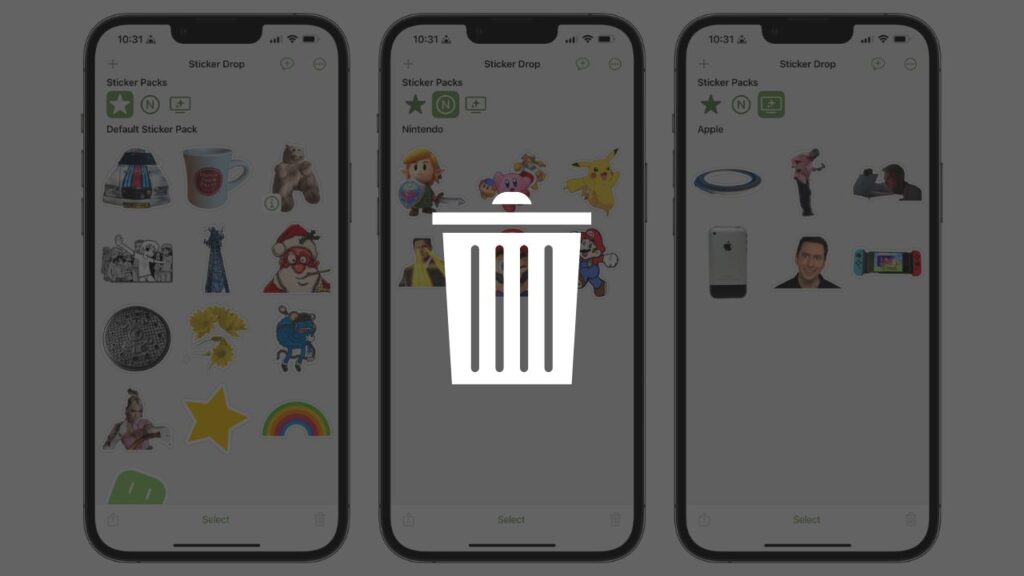
How to Permanently Delete Custom Stickers from Your Apple Devices? Messages, Keyboard, and More
Learn how to delete custom stickers on iPhone, iPad, and Mac easily. Keep your sticker collection clean and synced with iCloud. Step‑by‑step guide.

Fix: “Retrieving Data, Wait a Few Seconds” Error in MS Excel
Microsoft Excel is the most commonly used commercial spreadsheet software for analyzing data, reporting, and charting. But sometimes, it gives its users an annoying error that simply…
End of content
No more pages to load