Tech Tips
This column of our blog will provide readers with a variety of useful and practical tips and tricks for using technology products and services. The column will cover a variety of devices and software such as smartphones, laptops, smart home devices, and more. We’ll also provide insights on the latest trends and developments in the tech industry, such as new features and best practices for optimizing technology use.
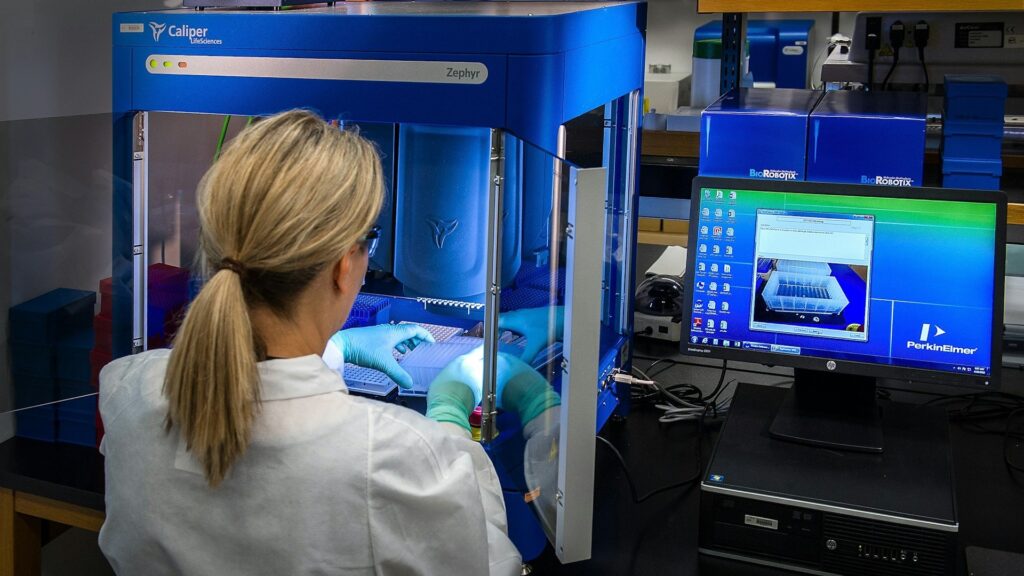
How Technology Helps Pharmaceutical Companies Prevent Contamination in Drug Batches
Pharmaceutical contamination control is increasingly powered by connected instruments, automated monitoring, and data-driven quality systems. While clean facilities and disciplined procedures remain essential, manufacturers now rely on…

How to Budget for Remote Work: From Home Office Design to Tech Investments
On paper, the idea of working from home seems perfect. Skipping the long commute and having flexibility in your routine really is the ideal work setup. Just…

Sourcing Platform Graphics: Testing Ouch Against Custom Pipelines
Mapping out a six-month product cycle for an educational platform forces your team to face a massive visual bottleneck. Modern learning interfaces require hundreds of distinct graphics.…

10 Best AI Presentation Generators for Busy Professionals
It is 9:40 p.m., the quarterly review is at 10 tomorrow, and all you have is a Word document of notes, a spreadsheet export, and a vague…

You Can Finally Change Your @gmail.com Address Without Creating a New Account
Google has a holiday present for Gmail users around the world. You can finally change your Gmail address's username (the first part before @gmail.com), initially spotted by…

Hidden Windows 11 NVMe Driver Hack Promises Faster SSDs – Here’s the Catch
If you already use an NVMe SSD on Windows 11, you likely think your system is already running at full speed. Yes, because your boot times are…
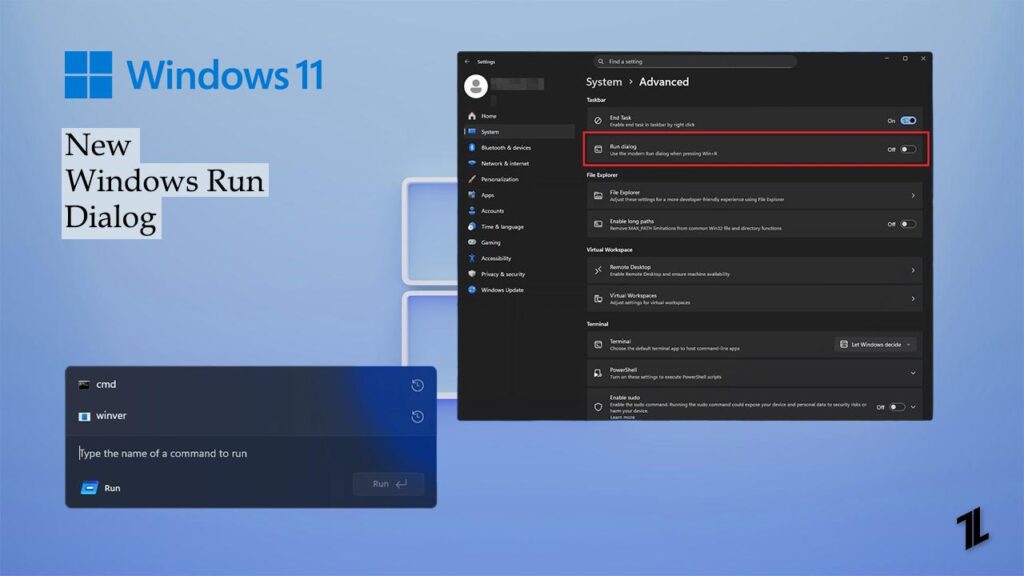
Enable the New Windows 11 Run Dialog (Step‑by‑Step Guide)
One of the oldest designs we still have in the latest Windows 11 is the Run dialog box. If you have been a longtime Windows user, you…

Magnavox Universal Remote Codes And Setup Guide
If you've ever tried setting up a universal remote, especially the one that comes from Magnavox, then you really need to know the codes first. Yes, finding…

How to Get Paramount Plus for Free?
If you are a fan of the Paramount app and love to watch movies, TV shows, live sports, or exclusive originals, use the official Paramount app or…

How to Fix the “Connected Without Internet” Problem
It is really frustrating when our WiFi continuously starts showing Connected but having no internet, even after you have paid all pending bills. It means you are…

How to Fix OneDrive Error 0x8007016A in Windows
I know not everyone, but most of us use OneDrive on Windows PC, and if you are one of them and are facing a strange error message…

Google Docs Dark Mode: Full Guide (All Platform)
Do you love using the dark mode in Google Docs, Sheets, or Slides apps? Personally, I do. Not only is it aesthetically pleasing, but it is also…

CPU_OPT vs. CPU_FAN | Everything Need to Know
If you have ever opened a computer cabinet or built a PC from scratch, you must have seen different fan headers on the motherboard. Two names appear…

Philips Universal Remote Codes and Setup Guide
In today's smart world, using too many remotes can be stressful, especially when you need a different controller for each device in your room. Well, here comes…

QR Codes, NFC, and Beyond: The Tech Behind Innovative Business Cards
Business cards are going through a major upgrade. What used to be a small piece of paper has become an innovative tool that can share your world…

How to Unblock Instagram at School?
Instagram is one of the most used apps by students today. It's where people share memories, connect with friends, and keep up with trends. But when you're…
End of content
No more pages to load