Your mother calls about the tablet again. The volume slider moved, the stretching video vanished, and the gentle exercise her doctor suggested has stopped. If you are the family’s tech support, this is the real job. The task is less about hardware and more about removing every small obstacle between an older parent and ten minutes of movement.
Finding good exercise videos takes five minutes. Life Assure, a medical alert company, publishes these free routines for seated chair yoga, with a warm-up, a 10-minute morning sequence, and a printable PDF guide. Life Assure is a Canadian company, and its monitoring service is available to customers in Canada only. The routines are free to read from anywhere, so this guide covers the hardware and settings around them.
Don’t want to miss the best from TechLatest?
Set us as a preferred source in Google Search
and make sure you never miss our latest.
Content Table
Which Screen Should Carry the Class?
Start with the screen, because a parent who squints at a phone propped on a cushion will quit by Wednesday. Seated poses need the instructor visible at eye level from about six feet away. Most phones fail that test.
A tablet on a stand works for a small room. A TV works better if your parent already sits facing one. Casting a video from a phone takes about a minute to set up once. If you have never set it up, start with a walkthrough on how to Chromecast from an iPhone, including full-screen mirroring.
Weigh the options this way:
- Phone: fine for reading the PDF, too small for following poses.
- Tablet on a stand: portable, good for a bedroom or a sunroom.
- TV with a casting dongle: the biggest picture, the best sound, and no extra screen to charge.
Whatever you pick, test it from the chair your parent will actually use. Sit in it yourself and play a full routine before you leave.
How Do You Strip the Tablet Down to One Tap?
Every extra menu is a place to get lost. The goal is a device that opens straight to the class and stays out of the way.
Aging eyes are a common reason a tablet gets abandoned. The American Foundation for the Blind keeps a guide to everyday technology for people with low vision, including phones and tablets. Both iPadOS and Android have built-in options for larger text, bolder contrast, and spoken feedback. Turn on the ones your parent needs, then hide everything they do not.
A practical setup list:
- Put a single icon for the video or PDF on the first home screen.
- Raise the text size and button shapes one or two steps.
- Set auto lock to 15 minutes so the screen stays on mid-pose.
- Disable notifications from every app except calls and messages.
- Save the volume at a level you checked from the chair.
Label the stand with a sticky note that says “tap the blue icon.” It looks silly. It also saves you a phone call.
Can Reminders Build the Habit Without Nagging?
A routine survives on timing, not willpower. Pick one cue your parent already follows, such as the first cup of coffee, and attach the class to it.
Calendar alerts on the tablet are the simplest start. A smart speaker routine can announce the session at the same time each morning. A smartwatch adds quiet nudges and a record of progress. Apple’s Quit Quitting fitness challenge for Apple Watch leans on exactly that idea of small daily prompts.
Keep the tone kind. One reminder a day is a cue. Three reminders a day is a supervisor.
What Should a Wearable Do If Your Parent Falls?
Chair yoga lowers fall risk because the seat carries the weight. The walk to the kitchen afterward does not. That gap is where safety tech earns its place.
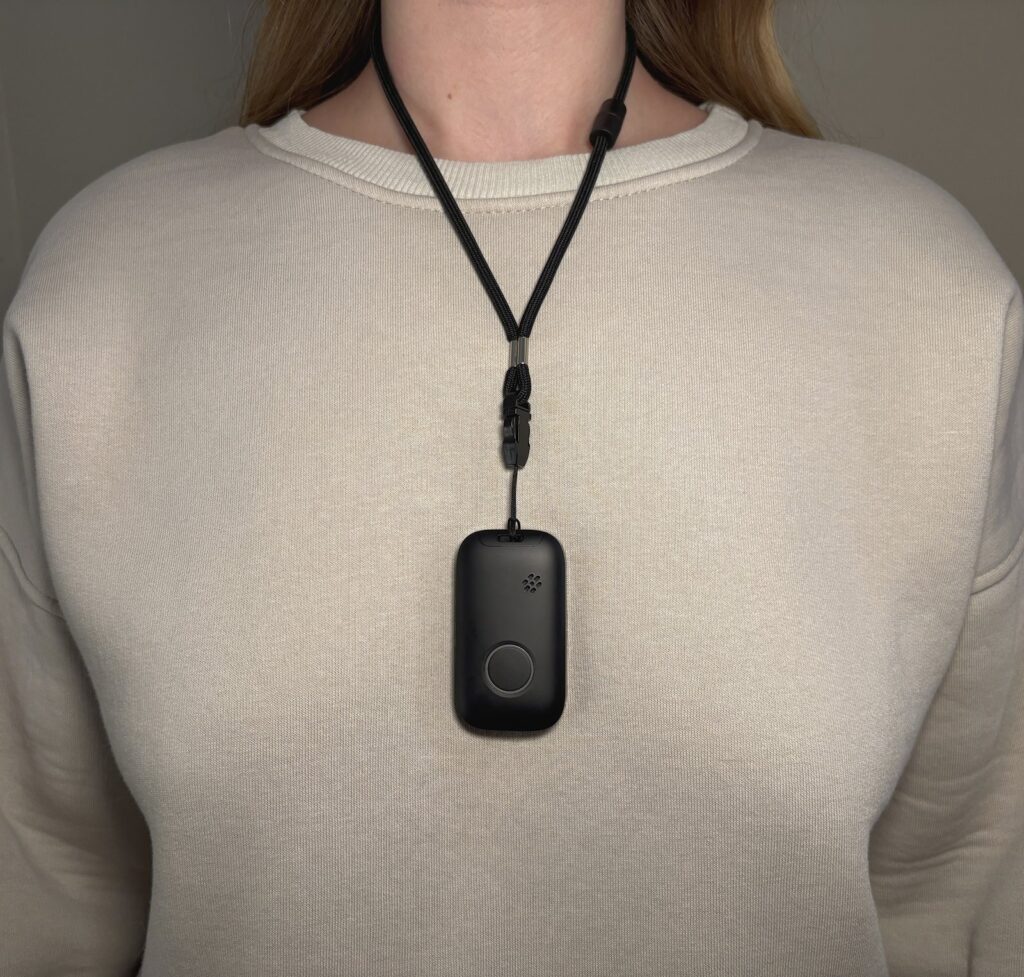
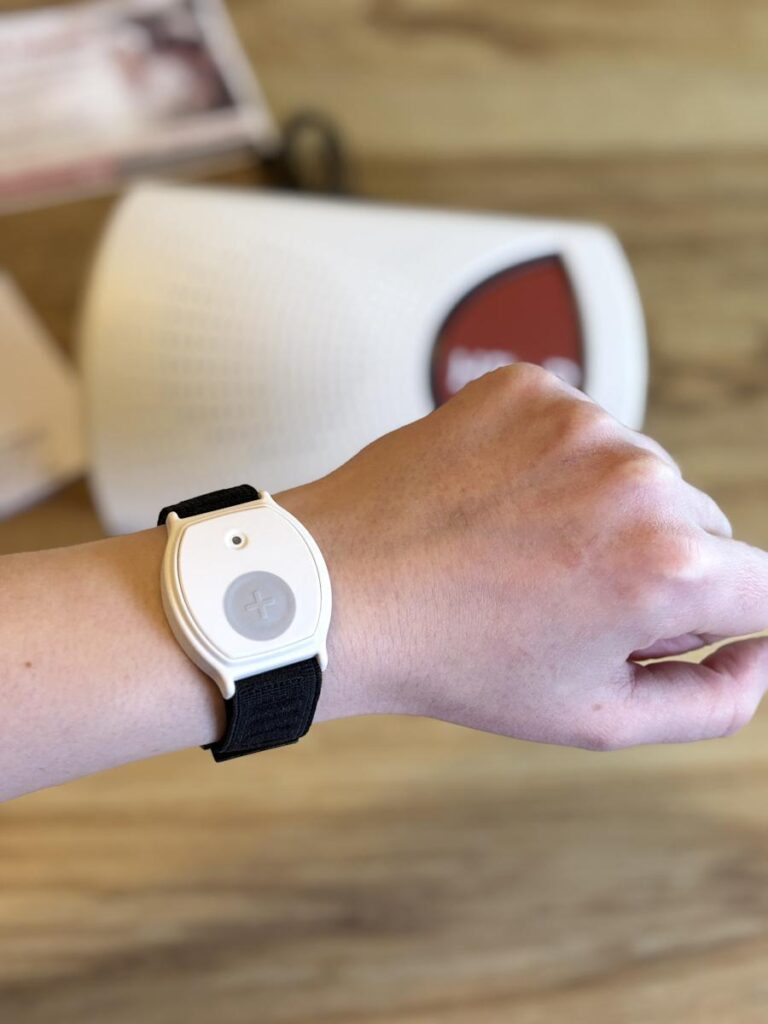
Fall detection is a sensor feature that watches for a hard impact followed by stillness. Many smartwatches include it, but the feature depends on the watch being worn, charged, and paired. For a parent who takes the watch off at night or forgets to charge it, a dedicated alert button is often simpler. It does one job and lasts longer between charges.
If your parent lives in Canada, a medical alert service adds a person on the other end. With Life Assure, a press of the button connects the wearer to Medical Alert Specialists who monitor around the clock and can arrange help. Families outside Canada should look for the same traits in a local provider:
- A button that works anywhere in the home, including the bathroom.
- Two-way voice so your parent can explain what happened.
- Optional automatic fall detection for people who might not be able to press.
How Do You Keep the Practice Itself Safe?
Chair yoga is a gentle form of yoga done seated, or standing with a chair for support. The tech only helps if the practice is safe. The Life Assure routines include a short list of setup tips, and they are worth following exactly.
Use a sturdy chair without wheels or arms that block movement. Sit toward the front edge only if your parent still feels stable there. Skip bare feet and choose light shoes with grip. If their feet do not reach the floor, slide a yoga block underneath.
Bone health adds one more check. The Bone Health and Osteoporosis Foundation offers a safe yoga flyer for people with osteoporosis that lists which moves to do and which to avoid. Its main concern is protecting the spine during everyday movement. A short call with a doctor or physiotherapist settles which poses to skip.
Frequently Asked Questions
Does My Parent Need a Paid App for Chair Yoga?
No. The Life Assure routines are free, and many video platforms and community centers offer free seated classes. A paid app adds convenience, not necessity.
Is a Smartwatch Enough for Fall Detection?
It can be, if your parent wears it all day and charges it reliably. If either habit is shaky, a dedicated alert button with long battery life is the safer choice.
Can Life Assure Monitor a Parent Outside Canada?
No. Its alert monitoring covers Canadian addresses only, so a parent in Ohio or Texas would need a provider based in the US. Compare local options using the same three features listed above.
How Long Should a Beginner Session Last?
Ten to fifteen minutes is enough at the start. The Life Assure guide pairs a five-minute warm-up with a ten-minute morning routine, which fits neatly before breakfast.
Enjoyed this article?
If TechLatest has helped you, consider supporting us with a one-time tip on Ko-fi. Every contribution keeps our work free and independent.
Support on Ko-fiDirectly in Your Inbox