A demo gallery can make any image model look dependable. The trouble starts a few weeks into a project, when the team learns that reference photos must be hosted at public addresses, that results arrive after a delay instead of in the response, and that nobody agreed on how to count what each image really costs. By then, the integration is half written, and switching is expensive.
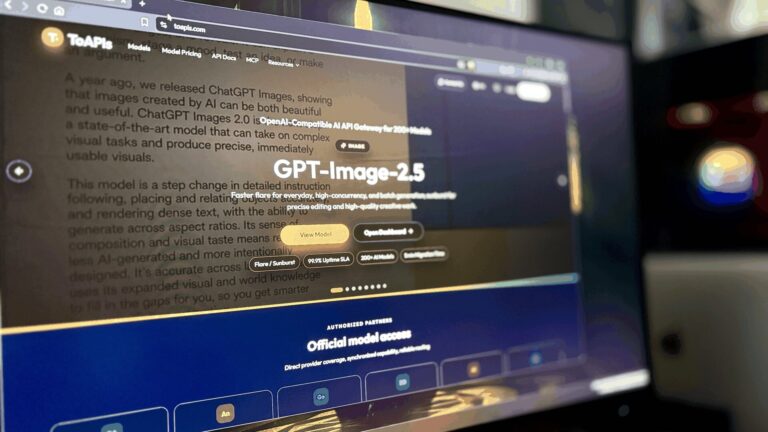
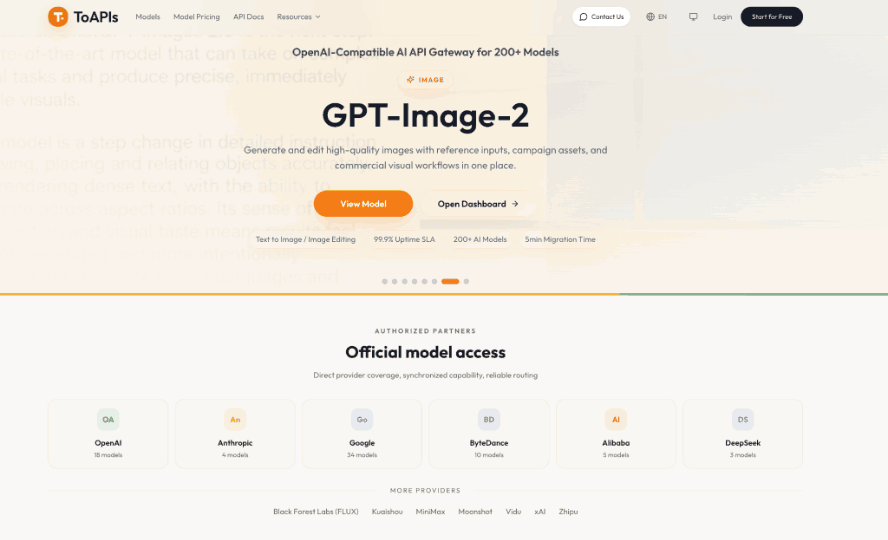
Most of these surprises are visible in advance if you test for them deliberately. Teams that want to compare image, video, and language models without opening a separate account with every vendor sometimes start with an OpenAI-compatible gateway such as ToAPIs, though the checklist below applies to any provider. The steps below cover defining the job, reading the input rules, running a pilot, and comparing costs fairly.
Don’t want to miss the best from TechLatest?
Set us as a preferred source in Google Search
and make sure you never miss our latest.
Content Table
Define the Job Before Comparing Providers
Start with the work the API must do, not the features on a pricing page. Write down the image sizes you need, whether images will be created from text alone or guided by existing photos, how many you expect per month, and who reviews the results. A hypothetical internal CMS that needs one 16:9 hero image per article, about 200 a month, has very different needs from a shop generating thousands of product variations.
Two answers shape everything else. First, can your application wait? Some providers return a finished image in the response; others return a task you check later. Second, what happens to a failed request: is it retried automatically, billed, or dropped? If you cannot answer these for a candidate, that is the first item to investigate.
Read the Input and Output Rules
Documentation for image endpoints tends to hide the important details in parameter tables. Check each of the following before writing code:
- Reference images: are they accepted as URLs, base64 data, or both, and what is the maximum count?
- Size options: which aspect ratios and resolution tiers are supported, and can they be combined freely?
- Special modes: for example, whether a transparent background can be requested.
- Output format: a hosted URL or encoded data, and how long a hosted result stays available.
Each answer changes your architecture. URL-only references mean you need somewhere to upload local files. Expiring result links mean a download step and your own storage. A narrow list of size combinations may rule out a layout you assumed would work. Write these findings in a short table so the comparison between providers is visible at a glance.
Run a Small, Structured Pilot
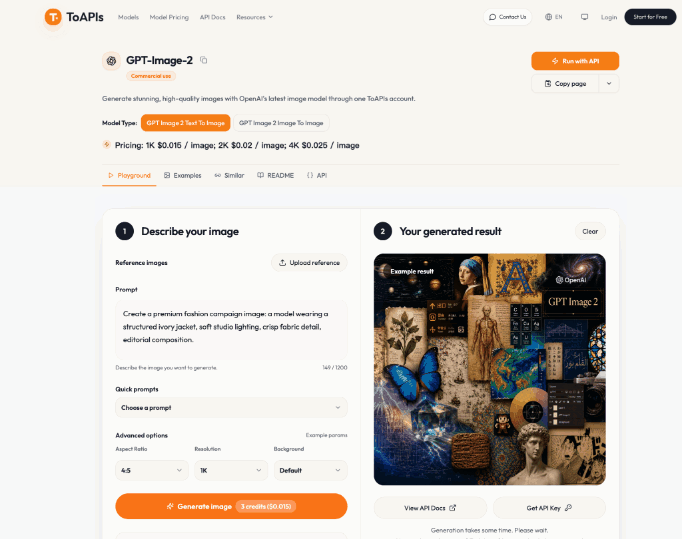
Reading documentation is not testing. Plan a pilot of about ten prompts: seven text-only and three with reference images, all at one resolution tier so results are comparable. In a pilot with the GPT Image 2 API, for example, each request goes to the image-generation endpoint with a model name, a prompt, and optional size, resolution, and reference_images values. The documentation describes a task ID in the response, with statuses of queued, in_progress, completed, or failed, so the pilot should exercise that full cycle rather than a single happy path.
For every request, record:
- The prompt and any reference file names.
- The task ID and each status change you observed.
- How long the task took to reach a final state, measured on your own network.
- Whether the finished image passed a human review, and if not, why.
Treat the timings as your data, not the vendor’s promise. A result measured from your location with your prompts is more useful than any figure in a marketing table.
Test Failure Handling and Rate Limits
A pilot that only succeeds teaches little. Deliberately send a request with a missing field, one with an invalid size and resolution pairing, and one with a wrong API key. A well-documented service returns distinguishable errors, such as a 400 for a bad payload and a 401 for authentication, and the fix for each should be obvious from the message.
Then check how the service behaves under pressure. Submit a modest burst of requests and watch for 429 responses. The documentation for the endpoint above advises reading a Retry-After header and checking status at intervals of at least five to ten seconds with some random jitter, which is a reasonable pattern to copy for any task-based API. Also look for webhook callbacks, which let the provider notify your application when a task finishes, with polling kept as a fallback.
Compare Cost and Data Handling Fairly
The listed price per image is only the starting point. What matters is the cost per usable image. As a hypothetical example, if ten requests cost $1.00 in total and six images pass review, each usable image costs roughly $0.17, not $0.10. Run that calculation with your own pilot numbers and your own acceptance standard.
Billing records matter as much as prices. Task responses that report whether a charge is pending, settled, or refunded let you reconcile spending per request, and the documentation advises counting each task ID once rather than adding up repeated status checks. Prices on any page can change, so confirm current figures at the time you decide.
Finally, ask the data questions that increasingly shape AI purchasing: how long prompts, reference photos, and outputs are retained, who can access them, where they are processed, and what happens when you close the account. Read the provider’s published retention and privacy policies, and get any unclear answer in writing.
Choose on Evidence, Not Demo Galleries
The best choice is the one that fits your actual job. Define what you need, read the input and output rules, run a ten-prompt pilot that includes failures, and calculate cost per usable image with your own review standard. Keep the pilot log, because it turns a subjective preference into a decision you can explain to a manager or revisit when prices and models change.
If two providers pass, favor the one whose errors are easier to diagnose and whose data policies you can verify. That is the one you will still be comfortable with after the first production incident.
Enjoyed this article?
If TechLatest has helped you, consider supporting us with a one-time tip on Ko-fi. Every contribution keeps our work free and independent.
Support on Ko-fiDirectly in Your Inbox