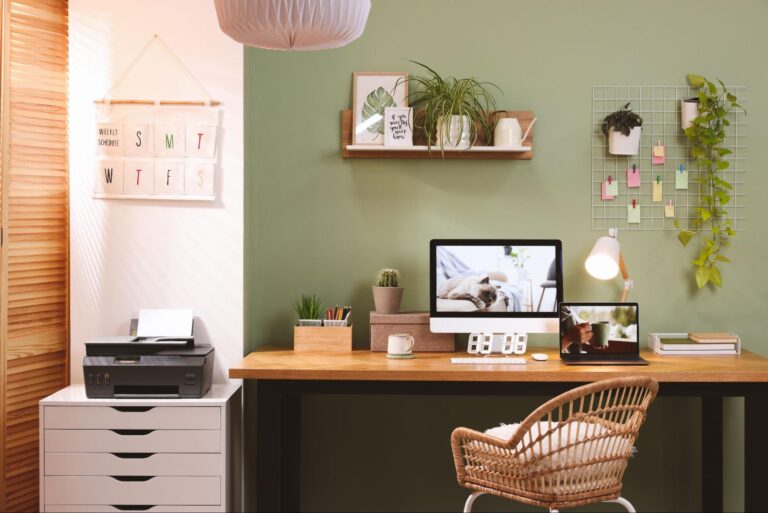
On paper, the idea of working from home seems perfect. Skipping the long commute and having flexibility in your routine really is the ideal work setup. Just you, your computer, and the freedom to work on your own time.
But the truth is that there are several costs associated with working remotely. Even though it might appear to be a straightforward task, it is not always easy. You need a dependable internet connection, ergonomic furniture, technology, good lighting, and of course, a suitable place to work.
Don’t want to miss the best from TechLatest?
Set us as a preferred source in Google Search
and make sure you never miss our latest.
A setup that at first seems reasonable can soon become increasingly expensive. Before you start buying a new laptop and standing desk, first work out what you truly need to be successful. The key is not to spend more money, but to spend wisely.
If you’re setting up your first home office or converting a spare room to work from home, here’s how to create a practical setup even on a budget.
Grab Technology That Actually Matters
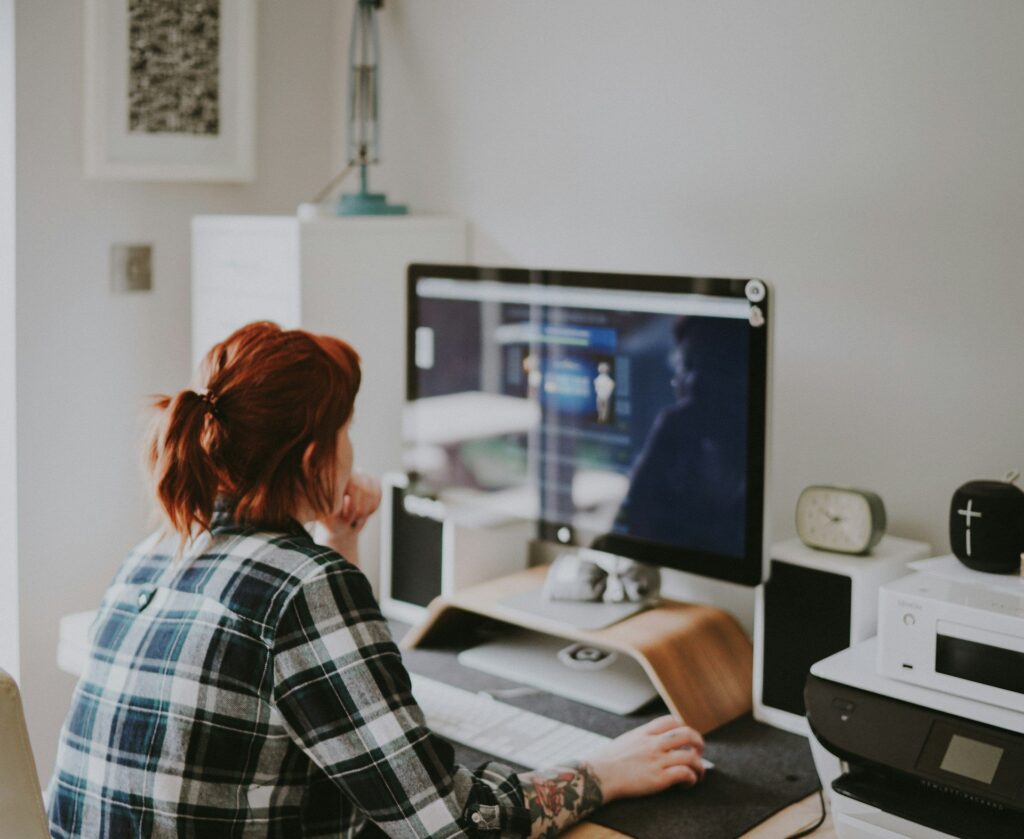
For true success while working from home, you need to surround yourself with technology that actually matters, like printers, laptops, and accessories that support whatever work you may get up to. Even today, having a wireless printer is always handy and provides great versatility. You can save money by buying printer and ink bundles online, cheaper than buying them individually in-store. Laser printers are a good option if you need a lot of output at a low cost, and many modern models even allow for wireless or cloud printing via mobile phones or tablets.
When it comes to choosing a work computer, it is likely the largest investment you’ll make. Don’t get carried away by fancy specs and frivolous extras; instead, choose one based on your workload. For instance, if you’re only going to use your computer for simple tasks such as checking email, writing documents, and browsing the internet, you probably don’t need a very powerful graphics card, unlike a graphic designer or multimedia developer.
Think about the peripheral devices you will use, too, and consider buying secondhand or refurbished. For individuals who frequently work with more than one document or application, having a second monitor can greatly boost productivity and considerably reduce eye and neck strain. Using a good keyboard and mouse will increase comfort, and a quality webcam together with a good microphone can make online meetings much less of a headache.
When working from home, don’t overlook your internet setup, too! If your job involves taking part in video conferences, using cloud applications, transferring large files, or engaging in ongoing online collaboration, then you will need a reliable broadband connection and maybe even a booster for your router. You can improve coverage by using a good router, a Wi-Fi extender, or a mesh system, which is particularly useful in larger houses.
Choose a Workspace That Works for You
You may be working from home, but you shouldn’t be clocking in from bed; do yourself a favor and choose a workspace that works for your work area based on available space. Consider how you plan to use the space. Will you need room for two monitors or for constant video calls? Are the available storage and lighting adequate?
After you have determined what you need, measure the available space. You do not need to have a spare room for an office, per se. Even a quiet corner in the living room or dining area could work. Alternatively, if you’re feeling creative, you can turn a small nook into a practical workspace that’s perfect for quick bursts of productivity.
All this can prevent you from having to buy bulky furniture that won’t fit or a storage cupboard that’s too small. Take the time to evaluate your needs and space. You will be able to design an area that is functional, comfortable, and meets your requirements.
Furniture That Supports Both You & Your Work
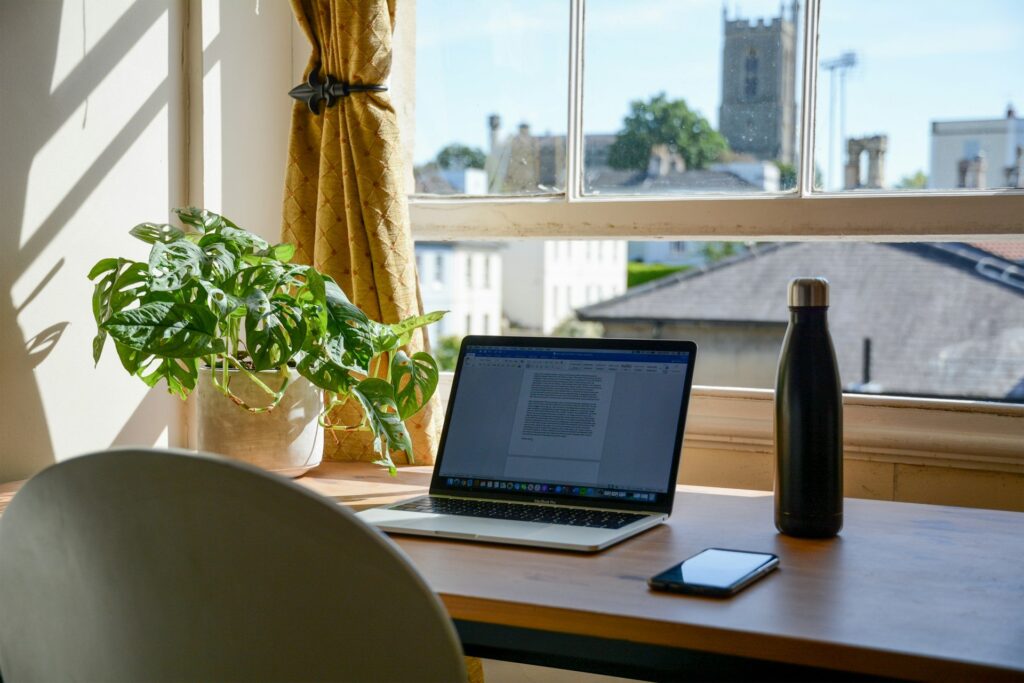
Speaking of spaces, you will need to fill your new workspace with furniture that is equally supportive of your work-from-home efforts and your back. A stylish desk can be a pleasant extra, but a comfortable chair is a necessity. You’ll be sitting at your desk for hours every day, so healthy ergonomics must be a top priority. Select a chair that is height-adjustable, gives sufficient back support, and has comfortable cushioning. It’s not necessary to buy the most expensive chair on the market. Just find one that suits you.
The same applies to your desk. Make sure it’s big enough to hold all your gear and is at a comfortable height for you to work. If you enjoy alternating between sitting and standing, then a desk that can be adjusted to various heights would be a good choice. If a pre-built standing desk is not in the budget, then you can explore portable configurations that can convert any flat surface into a flexible work arrangement.
Lighting Is Key!
Lighting is often overlooked, but it makes a difference when arranging a workspace. The best thing to do is to position your desk beside a source of natural light and ensure that your screen is not directly in front of a window. Decent front lighting can make online meetings feel more professional.
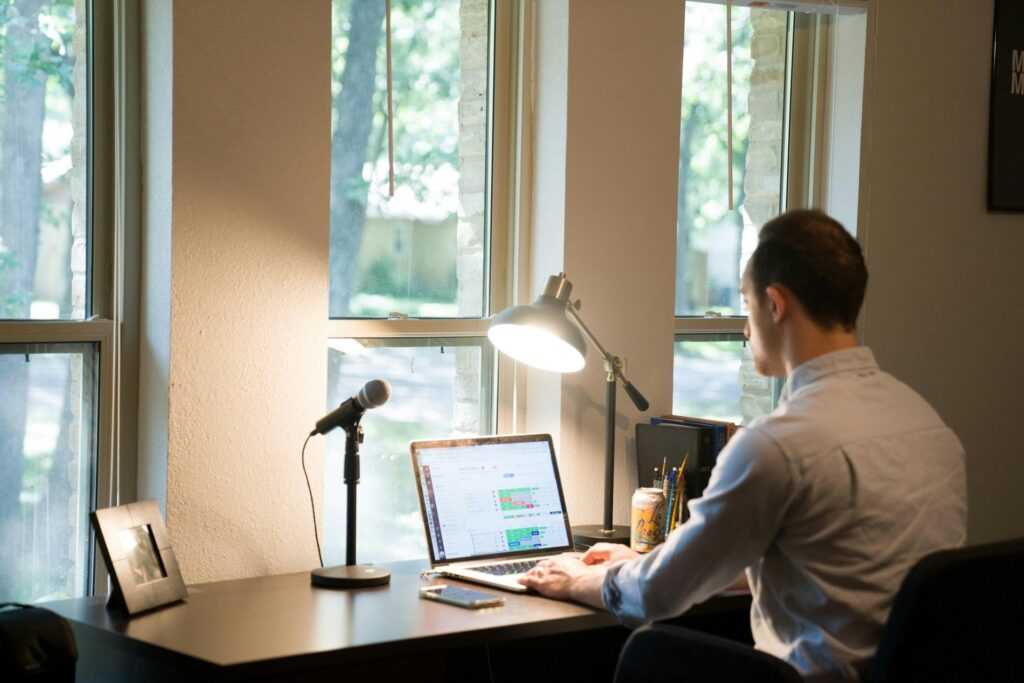
If natural light is not an option, add a desk or floor lamp. But if you frequently take part in video calls, think about the impact that your lighting can have on the camera, as well. You will also want to take the angle of the sun into consideration. As the day goes on, you may find an abundance of light heating up your room, so be sure to have a shade or curtain available when you need to adjust.
Factor in Hidden Costs
Be sure to factor in the ongoing costs of working remotely. There are often several minor costs associated with working from home that won’t show up on the first shopping list. These include electricity, printer supplies, software subscriptions, cloud storage, and stationery.
There is also the question of heating and cooling. If you’re at home all day, your energy consumption may go up, especially when the weather is extreme. These expenses should be part of your total budget. Fortunately, many of these can be considered work-related costs and may qualify for tax incentives at the end of the financial year!
So sometimes, if you budget right, it does pay to work from home!
Find the Right Balance of Work and Home
Setting up a remote workspace shouldn’t require you to spend a lot of money. You only need to be careful about the way you spend it and think about what will actually help you get your work done. Start with the fundamentals: a reliable computer, a printer, a comfortable working area, reliable internet access, and adequate lighting.
Then, add equipment that genuinely improves productivity, and worry about the aesthetic extras later. Design your workspace around how you work, rather than a picture-perfect home office. Because ultimately, the best home office is one where you can get your work done comfortably, both efficiently and without breaking the bank.
Enjoyed this article?
If TechLatest has helped you, consider supporting us with a one-time tip on Ko-fi. Every contribution keeps our work free and independent.
Support on Ko-fiDirectly in Your Inbox