Tech Tips
This column of our blog will provide readers with a variety of useful and practical tips and tricks for using technology products and services. The column will cover a variety of devices and software such as smartphones, laptops, smart home devices, and more. We’ll also provide insights on the latest trends and developments in the tech industry, such as new features and best practices for optimizing technology use.
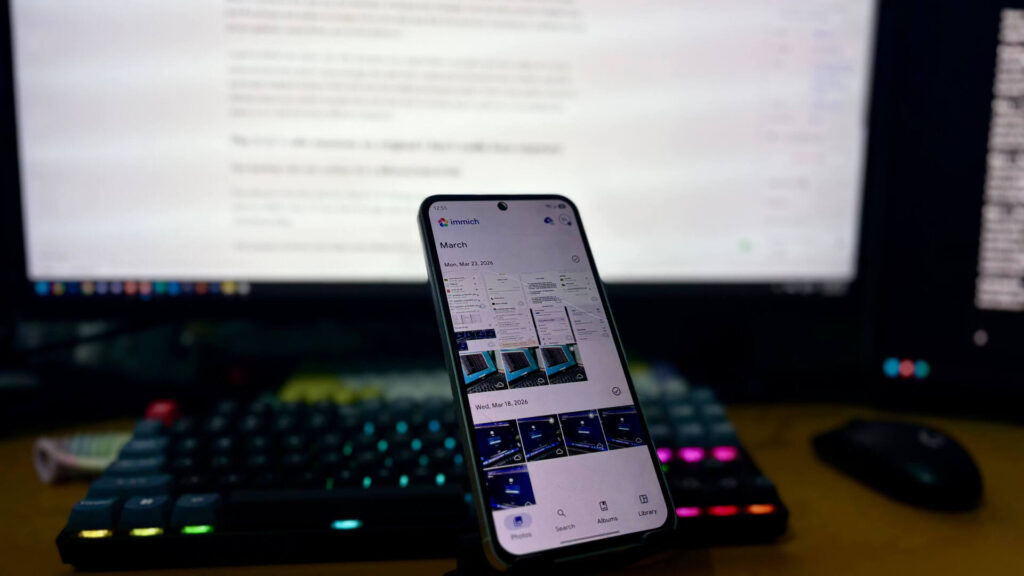
I Rebuilt the 3-2-1 Backup Rule Around How I Actually Save My Photos and Videos
Most millennials are aware of the 3-2-1 backup rule. I know I heartily followed it. But that was the past. When it comes to the new era,…

How to Transfer Your Phone Number to a New Phone (2026 Guide)
Learn how to transfer your phone number and data to a new phone using carrier porting, eSIM, or trusted transfer tools for a fast, secure setup.

Why Continuous AI Red Teaming Matters More Than One-Time Security Testing
Generative AI and LLM-powered applications have taken hold across industries, and new categories of risk have taken hold right alongside them. Prompt injections, data leaks, model manipulation…

6 GPU Cloud Platforms Worth Your AI Budget in 2026
There are more GPU clouds than ever. SemiAnalysis tracks 323 of them and rated 77 in its September 2026 ClusterMAX 3.0 review. Most "best of" lists simply…
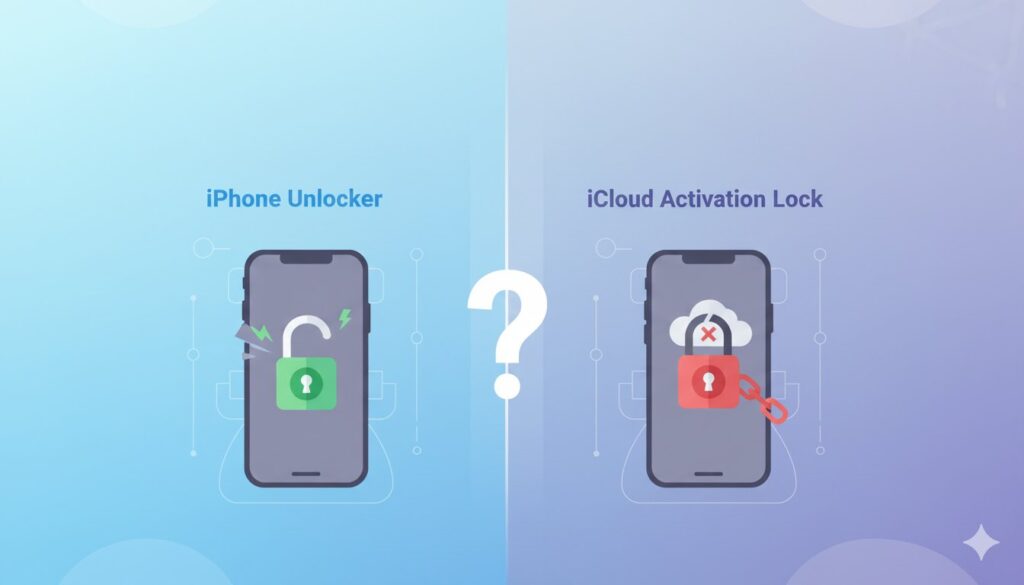
iPhone Unlocker vs. iCloud Activation Lock: What’s the Difference?
Confused between iPhone Unlocker and iCloud Activation Lock? Learn the key differences, when each applies, and how to recover your device with Apple's methods or trusted tools…
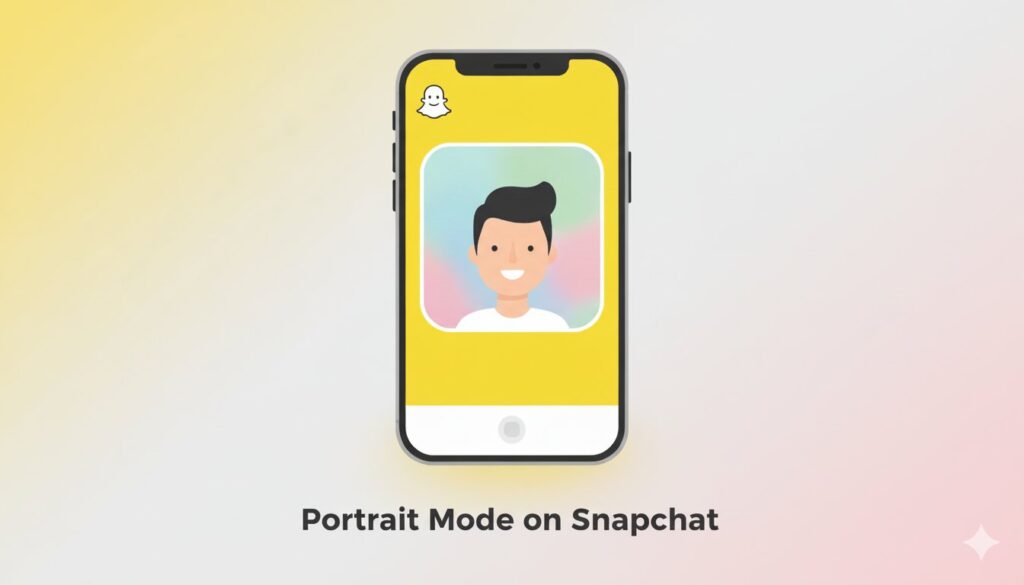
How to Enable Portrait Mode on Snapchat for iPhone Users
Snapchat's Portrait Mode is a feature designed to enhance your selfies by blurring the background, allowing you to stand out in your photos. This effect will mimic…

What Really Happens After a Data Breach: Tracing the Trail of Stolen Info
When you read about a massive data breach, your initial thought is most likely that it’s just another distant tech problem. The headlines would declare that millions…
How to Bypass Samsung FRP (Factory Reset Protection) on Newer Galaxy Models
Stuck on the Samsung FRP lock after a reset? Discover simple, safe, and effective methods to bypass Samsung FRP on newer Galaxy models in this easy-to-follow guide.

How to Use Heart Rate Tracking in AirPods Pro
Apple’s AirPods Pro has completed its transformation from being a high-end audio accessory designed for music and video into a full-on health wearable device. With the recent…

How to Translate a Python Application with Code Examples
Make your Python app multilingual with gettext. Our guide shows you how to translate strings, manage .po files, and serve a global user base. Instructions for formatting:…
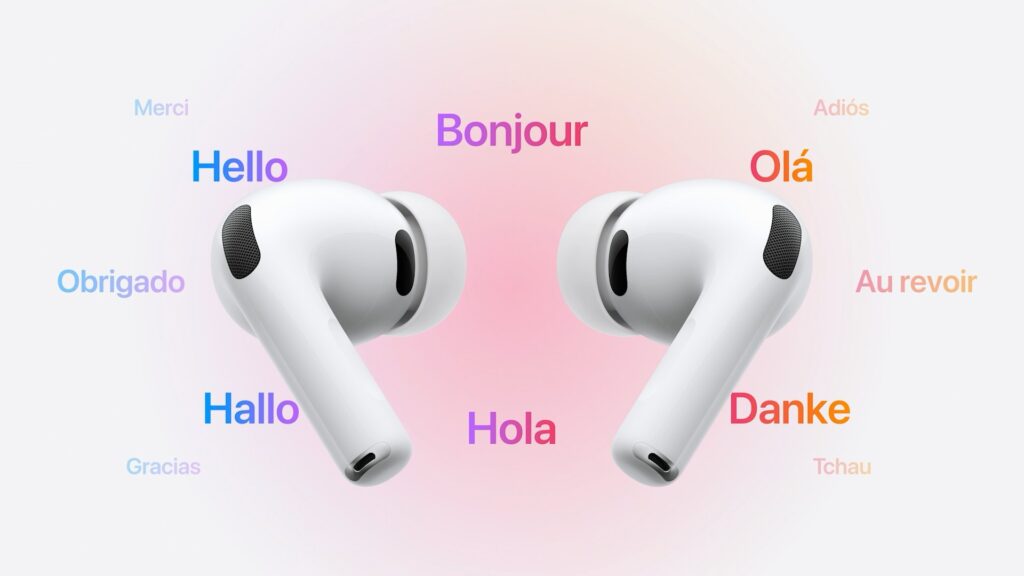
How to Use Live Translation in Airpods Pro
Live Translation with AirPods Pro Apple launched a game-changing feature by the name of Live Translation for your AirPods Pro – now talking to someone in another…

How to Use Hypertension Monitor on Apple Watch Series 11
Hypertension, also known as high blood pressure, is sometimes called the "silent killer" because many people live with it for years without realizing it. If left unchecked,…
Reverse Unboxings: Putting Products Back in the Box to Spark Curiosity
Suppose your product video began with the hero shot already out, and then, frame by frame, everything slid smoothly back into trays, sleeves, and a clean carton.…
Will FaceTime Ring If Blocked? A Complete Guide for Everyday Users
Technology makes communication easy, but it also creates confusion at times. One question that frequently surfaces among iPhone and iPad users: "Will FaceTime ring if I'm blocked?"…
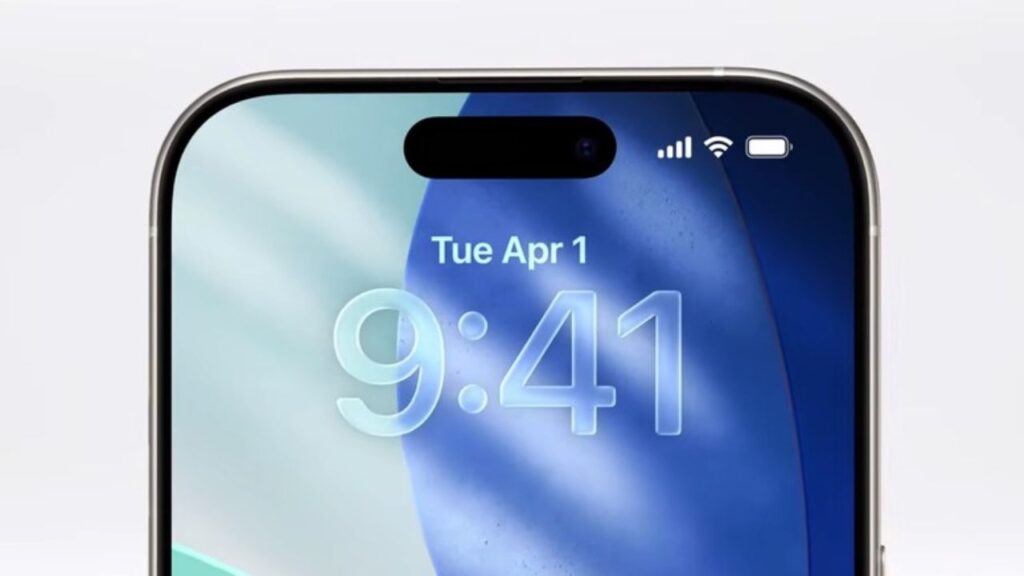
How to Reduce Liquid Glass transparency in iOS 26 (or Completely Turn Off)?
Learn how to reduce Liquid Glass transparency in iOS 26, cut down motion, adjust icon styles, and tweak wallpapers for maximum clarity and comfort.

How to Disable Autoplay on Streaming and Social Media Apps (Web Included)
Autoplay on streaming and social media platforms can be both convenient and intrusive. Though they provide seamless viewing experiences, they may still cause sudden data waste, battery…
End of content
No more pages to load