Tech Tips
This column of our blog will provide readers with a variety of useful and practical tips and tricks for using technology products and services. The column will cover a variety of devices and software such as smartphones, laptops, smart home devices, and more. We’ll also provide insights on the latest trends and developments in the tech industry, such as new features and best practices for optimizing technology use.
How to Transfer Your Phone Number to a New Phone (2026 Guide)
Learn how to transfer your phone number and data to a new phone using carrier porting, eSIM, or trusted transfer tools for a fast, secure setup.

Why Continuous AI Red Teaming Matters More Than One-Time Security Testing
Generative AI and LLM-powered applications have taken hold across industries, and new categories of risk have taken hold right alongside them. Prompt injections, data leaks, model manipulation…

Dr.Fone iPhone Data Recovery Review: Snapchat and Gmail Recovery Explained
Recovery tools tend to make similar promises, and most deliver on photos, contacts, and text messages. For years, recovering Snapchat or Gmail data was almost always impossible.…

Crypto’s Summer Rebound Masks a Deeper Industry Shakeout. What Investors Should Know
Digital-asset prices recovered in July, but money is still leaving weaker projects as acquisitions, regulation, and compliance reshape the crypto business. July gave cryptocurrency investors a welcome…
Tiny11 25H2 is Now Available; Download and Install Now
Amid Microsoft ending the support for Windows 10 on Oct 14, 2025, and forcing users to move to Windows 11 or another OS, this is the best…
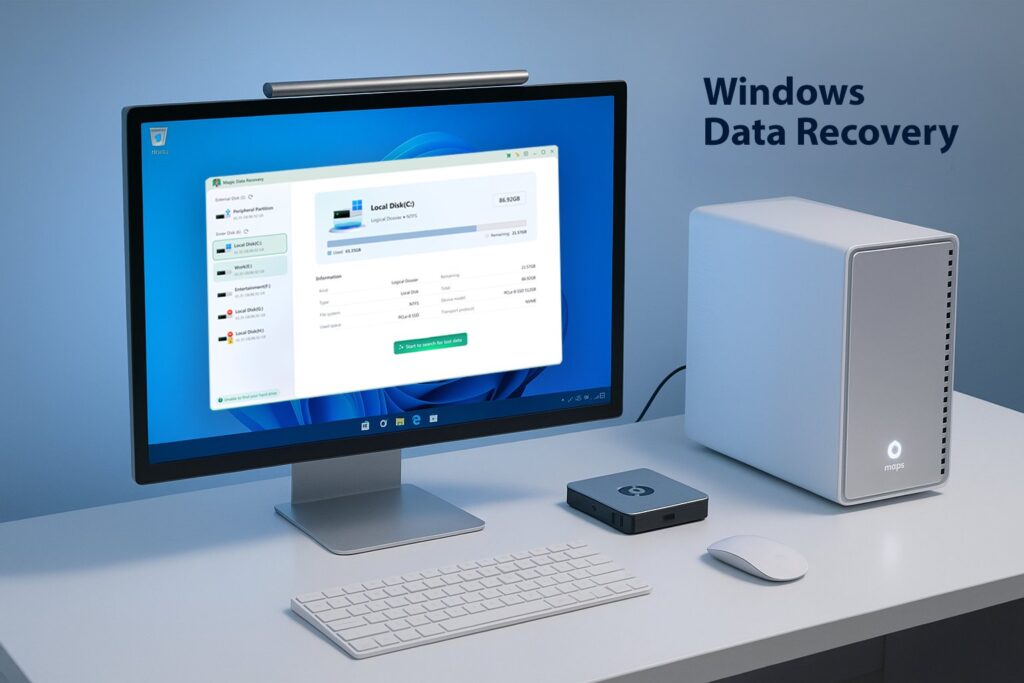
Magic Data Recovery: The Ultimate Tool to Recover Lost Data
In the digital age, data loss has become a common problem for many users. Whether due to accidental file deletion, disk formatting, or system crashes, losing important…
How to Create Bootable Windows 11 25H2 USB
Upgrading or reinstalling Windows can sound complicated, but it doesn't have to be. If your computer feels slow, you may need a fresh start, or if you're…
5 Tested Methods to Bypass Microsoft Account in OOBE on Windows 11
After the recent Windows 11 update (builds 26220.6772 and 26120.6772), Microsoft has confirmed that it is blocking most of the available unofficial methods to bypass Microsoft accounts…
How to Enable Lossless Audio in Spotify?
Spotify lossless audio, previously announced as Spotify HiFi, is finally rolling out to premium subscribers throughout the globe, covering over 50 countries at once. You may or…
How to Get Free Extended Security Updates (ESU) After Windows 10 End of Support
Microsoft is finally retiring Windows 10 after more than 10 years of a successful run. It was first officially announced on July 29, 2015, to all the…

Windows 10 Support Ends October 14; Here is How to Upgrade to Windows 11
In just a few days, Microsoft will officially retire support for Windows 10. That means no more security patches, feature updates, or technical help for your current…
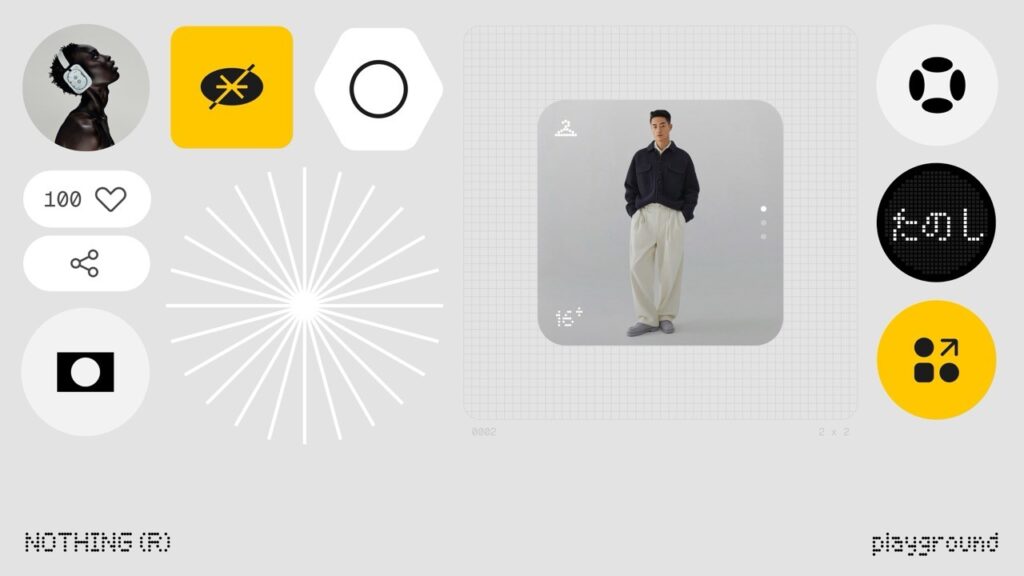
How to Make Your Own Widget in Nothing Phone using Playground
When it comes to Android handsets, customization is the key selling point. People love to customize their phones, switching wallpapers, installing launchers, and dropping widgets, to make…
iPhone Unlocker vs. iCloud Activation Lock: What’s the Difference?
Confused between iPhone Unlocker and iCloud Activation Lock? Learn the key differences, when each applies, and how to recover your device with Apple's methods or trusted tools…
How to Enable Portrait Mode on Snapchat for iPhone Users
Snapchat's Portrait Mode is a feature designed to enhance your selfies by blurring the background, allowing you to stand out in your photos. This effect will mimic…

What Really Happens After a Data Breach: Tracing the Trail of Stolen Info
When you read about a massive data breach, your initial thought is most likely that it’s just another distant tech problem. The headlines would declare that millions…
How to Bypass Samsung FRP (Factory Reset Protection) on Newer Galaxy Models
Stuck on the Samsung FRP lock after a reset? Discover simple, safe, and effective methods to bypass Samsung FRP on newer Galaxy models in this easy-to-follow guide.
End of content
No more pages to load