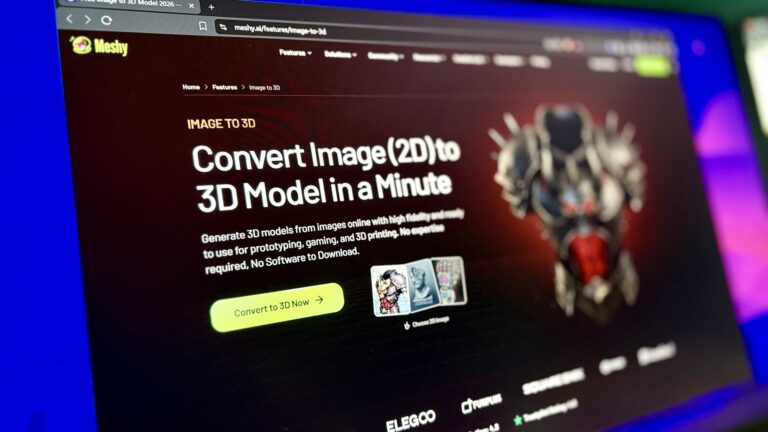
Use text-to-3D for open-ended exploration, image-to-3D for approved visual designs, and a hybrid workflow when an asset moves from ideation to production.
AI has made it possible to create a 3D model from something as simple as a sentence or a reference image. For game developers, however, having more ways to generate an asset creates a new question: which starting point should you actually use?
Don’t want to miss the best from TechLatest?
Set us as a preferred source in Google Search
and make sure you never miss our latest.
A text prompt and a concept image can describe the same sword, character, vehicle, or environment prop, but they give the AI very different information.
Text leaves more room for interpretation. Images provide stronger visual constraints.
Neither method is automatically better. The right choice depends on how clearly the asset has already been designed, how closely it needs to match an existing art direction, and what the team plans to do with the resulting model.
Understanding that difference can save a surprising amount of regeneration and cleanup later.
Use Text When the Idea is Still Flexible
Text-to-3D is most useful when you know what kind of asset you need but have not decided exactly what it should look like.
Imagine an indie developer building a science-fiction exploration game. The level needs a portable field generator that looks slightly worn, has a compact industrial body, and feels believable as equipment carried by a small research team.
That description already communicates function, style, and mood.
What it does not specify is the exact silhouette.
The AI has room to interpret whether the generator should be cylindrical or rectangular, how its handles are arranged, where the control panel sits, and how much mechanical detail appears on the surface.
At this stage, that freedom is useful rather than problematic.
The developer is not trying to reproduce an approved design. They are trying to discover one.
A few generations can reveal ideas that would have taken much longer to sketch and model manually. One result may look too military, another too clean, while a third may establish exactly the visual language the level needs.
Text generation therefore works especially well as an exploration tool.
Read: How Online Storage Supports Business Collaboration Across Locations
Describe Function Before Adding Decoration
A common mistake with text prompts is to describe only visual style.
“Cool futuristic generator with realistic textures” leaves a lot of important decisions undefined.
A stronger description explains what the object is, how it is used, and which physical characteristics matter.
For example:
“A compact, portable power generator for a science-fiction research camp, rectangular body with reinforced corners, two folding handles, a recessed control panel on the front, worn painted metal, practical industrial design, and no weapons.”
The description gives the generation system more structural information to work with.
Details such as “portable,” “folding handles,” and “recessed control panel” communicate function, while the final styling language guides appearance without replacing the underlying design.
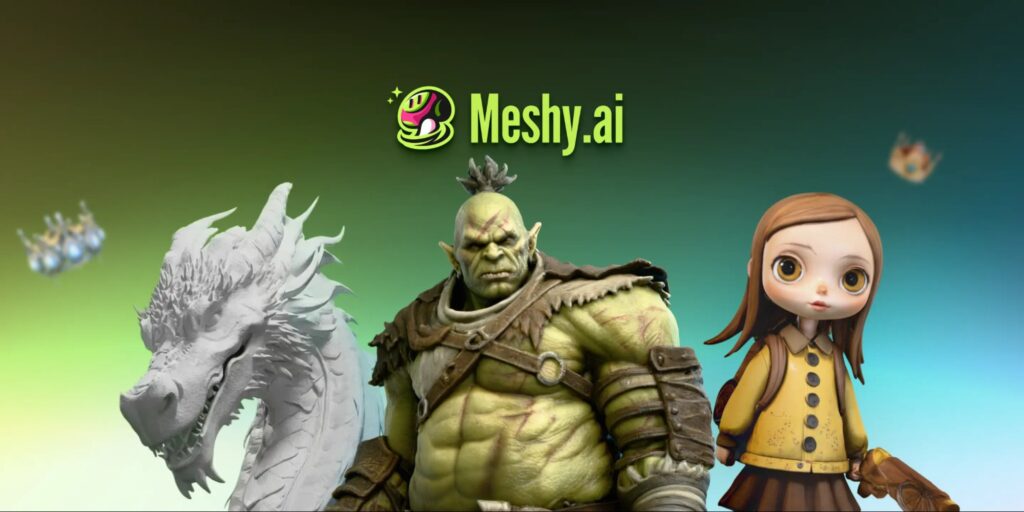
Platforms such as Meshy AI allow users to turn natural-language descriptions into textured 3D models and generate multiple variations, making this kind of early experimentation much faster than building each concept manually.
The objective at this point is not necessarily to find a finished game asset.
It is to find a direction worth developing.
Images Become Stronger Once the Art Direction Exists
The situation changes when a team already has concept art.
Suppose the same field generator has now been approved by the art director. The studio has a clear three-quarter illustration showing its overall proportions, panel placement, color scheme, handles, and distinctive side vents.
Generating another model from text would reintroduce unnecessary interpretation.
The team no longer wants the AI to decide what the generator might look like. It wants the resulting 3D asset to resemble the design that has already been chosen.
That is where image-based generation becomes more useful.
A reference image gives the system information that would be difficult to reproduce perfectly through written instructions: exact proportions, shape relationships, color placement, and stylistic details.
For game development, this makes Image-to-3D particularly useful when the 2D design stage is already established.
Good Reference Images Matter
Using an image does not mean every image will produce an equally useful result.
A reference works best when the object is clearly visible.
Busy backgrounds, heavy shadows, objects covering important parts of the design, or extreme perspective can make it harder to interpret the underlying form. For characters and props, a clean three-quarter view is often especially useful because it communicates both the front and side structure.
Multiple consistent views can provide even more information when they are available.
Concept sheets are particularly valuable because they are often designed specifically to communicate form rather than simply create an attractive illustration.
A dramatic action pose may look great in a portfolio but hide half of a character’s costume. A clean character reference may be much more useful for 3D generation.
The best source image is therefore not always the most impressive image.
It is the one that explains the object most clearly.
Read: Is AI Coming for My Job? An Engineering-First Look at What Actually Changes
How Can Image-to-3D Improve Visual Consistency?
Visual consistency becomes increasingly important as a game grows.
Generating one fantasy barrel is easy. Creating twenty props that appear to belong to the same village is harder.
If every asset begins from an independent text prompt, small differences can accumulate. Wood treatment changes. Proportions drift. Decorative patterns vary. Some objects become realistic while others become more stylized.
A shared set of concept references can reduce that drift.
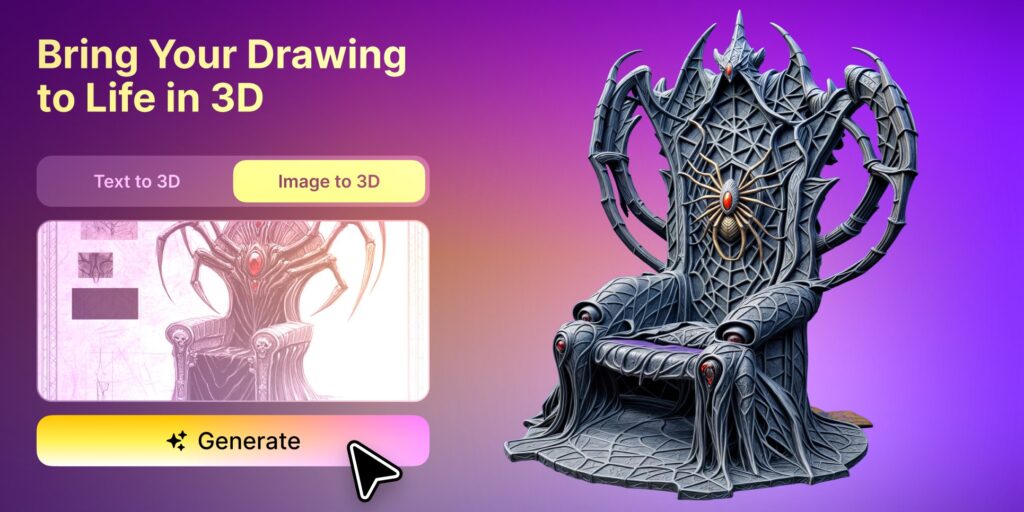
Once the art team has established a visual language in 2D, an image-to-3D workflow can use those references as more specific targets for 3D generation.
This makes image-based generation valuable not only for individual accuracy but also for maintaining consistency across groups of related assets.
A game team could establish the style of a merchant cart, storage chest, lantern, signpost, and market stall in concept art first, then use those images as the basis for creating 3D versions.
Human art direction still establishes the style.
AI helps move that style into three dimensions faster.
When Should Teams Use Text-to-3D or Image-to-3D?
A useful way to think about the difference is to consider what stage of the creative process the team is in.
Text works well when the project is still asking questions:
What should this enemy look like?
Could the weapon feel heavier?
What kind of architecture fits this faction?
What would a repair drone for this world look like?
Images become more valuable once the team has started answering those questions.
This is roughly the difference between exploration and translation.
The text explores possible designs.
Image-based generation translates a more established visual design into 3D.
Real projects often use both rather than choosing one permanently.
A Hybrid Workflow Can Be More Efficient
Consider a small studio creating a fantasy trading game.
The team needs a collection of roadside merchant carts but has no final design.
They might begin with text generation to explore several directions: a practical wooden cart, an ornate elven version, a heavily reinforced traveling merchant wagon, and a smaller cart designed for narrow village roads.
Rather than refining all of them in 3D, the team selects one promising direction.
An artist then develops that concept further in 2D, adjusting the canopy, wheels, storage compartments, materials, and decorative language.
Once that visual direction is approved, the finalized image becomes the reference for Image-to-3D generation.
This workflow gives each input method a different role.
Text accelerates ideation.
The artist provides design control.
The image provides visual consistency.
The generated model provides a faster starting point for the 3D production stage.
That is more useful than expecting one generation method to handle every creative decision.
Characters Need More Control than Generic Props
The difference between text and image inputs becomes especially noticeable with characters.
A background crate can tolerate considerable visual interpretation. A named character usually cannot.
Specific clothing, hairstyles, accessories, body proportions, and silhouette may all contribute to character recognition.
If those details have already been established through concept art, repeatedly describing them through text creates an unnecessary opportunity for variation.
Image references give the model a clearer target.
Even then, generating the geometry is only part of the task. Characters intended for gameplay may still require topology review, rigging, skinning, material adjustments, and animation testing.
The better the initial design matches the approved reference, however, the less time the team needs to spend correcting basic visual direction.
Environment Assets Sit Somewhere in the Middle
Environmental work often benefits from both approaches.
Generic background objects can begin from text because exact visual matching may not matter.
A developer who needs rocks, crates, ruined furniture, workshop tools, or miscellaneous clutter can quickly explore different assets without preparing detailed concept art for each object.
More recognizable environment pieces may need reference images.
A faction-specific doorway, ceremonial statue, unique machine, or major architectural element contributes directly to the identity of the world. These assets benefit from stronger visual control.
Teams do not therefore need one rule for the entire environment.
They can choose the input method according to the importance of each asset.
Do Not Confuse a Better Input with a Finished Asset
Choosing the correct generation method can improve the starting model, but it does not remove the production stage.
Generated models should still be evaluated inside the target workflow.
For games, that can mean inspecting geometry, polygon count, materials, texture resolution, scale, pivots, collision requirements, and how the object looks under the actual game lighting.
Characters may require rigging and deformation testing.
Mobile projects may need much more aggressive optimization than desktop projects.
An asset that looks detailed and polished inside a standalone viewer can still be inappropriate for the target scene.
The role of Text-to-3D or Image-to-3D is to improve how quickly the team reaches a useful starting asset.
“Generated” and “game-ready” are not automatically the same thing.
Which Method Should You Choose?
If you are beginning with an idea that is difficult to visualize, start with text.
If you already have concept art or a reference image that represents the intended design, begin with the image.
If visual consistency across many related assets matters, building a reference-driven workflow usually provides greater control.
And if the team is still unsure about the direction, there is little value in spending time preparing perfect concept art before testing whether the idea works at all.
The most efficient process may move from text to image-to-3D as the design becomes more specific.
The generation method should follow the maturity of the idea.
FAQs About Text and Image-Based 3D Generation
Is Text-to-3D better for game developers?
It is particularly useful during brainstorming and early prototyping because developers can test asset ideas without preparing concept art first. When the design needs to match an established visual reference, image-based generation usually gives the team more control.
When should I switch from Text-to-3D to Image-to-3D?
The switch makes sense once the team knows what the asset should look like. If repeated text generations are producing interesting but visually inconsistent results, creating or selecting a reference image can provide a clearer target.
Can concept art be used to create 3D game assets?
Yes. Clear concept art can provide the shape, proportions, style, and color information needed to create a stronger initial 3D model. The generated result should still be reviewed and optimized for the target game.
Is one reference image enough?
It can be enough to produce a useful starting point, particularly when the subject is clearly visible. However, additional consistent views can provide more information about surfaces that are hidden in a single image.
Do generated assets still need manual editing?
Often, yes. The amount depends on the final use. Prototype assets may need very little work, while characters, hero props, animation assets, or performance-sensitive game content may require more substantial cleanup and optimization.
Start With the Information You Already Have
The best AI 3D workflow is not determined by which generation method sounds more advanced.
It is determined by what the project already knows.
When an idea is still flexible, language provides an efficient way to explore possibilities.
When the design has become specific, images communicate visual decisions more precisely.
Game teams can get better results by allowing the input to evolve with the asset itself: begin with a description, establish a direction, develop a stronger reference, and move toward increasingly controlled 3D production.
AI makes both starting points faster.
Knowing when to use each one makes the workflow more useful.
Read: From Personal Prompts to Team Playbooks: Making Good AI Work Repeatable
Enjoyed this article?
If TechLatest has helped you, consider supporting us with a one-time tip on Ko-fi. Every contribution keeps our work free and independent.
Support on Ko-fiDirectly in Your Inbox