A stone owl over a library entrance is easy to miss. From the pavement, the doorway fills the bottom of the frame, and the owl is a gray fleck above it. Walk across the square, and two different photographs become possible. One shows the library on its block. The other is about the owl, including the chipped ear that gives it a slightly lopsided expression.
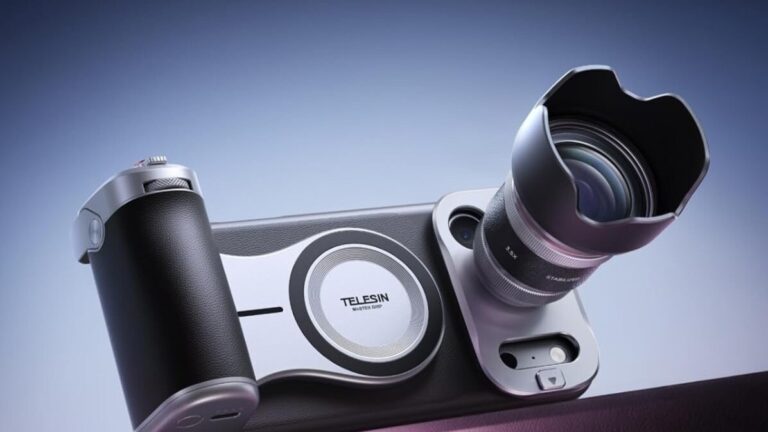
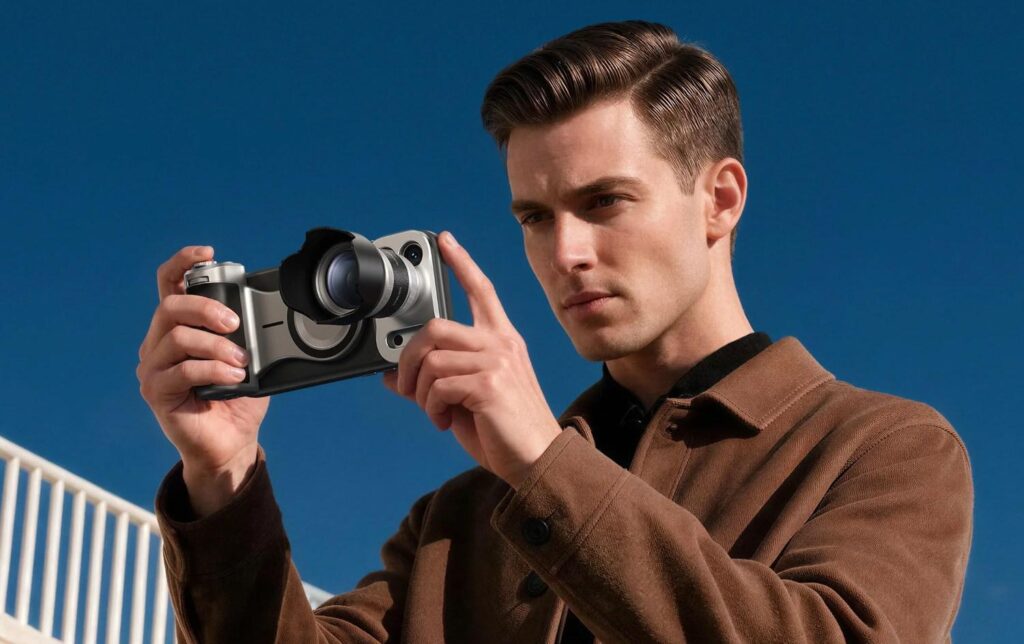
That second picture is a good use for the TELESIN Master Grip Kit with the 3.5X Telephoto Lens. The attachment fits over the telephoto camera of a compatible iPhone Pro and narrows its view optically. During TELESIN’s November 19–30 Black Friday and Cyber Monday promotion, the bundle is $183.99, down from $229.99. Here’s a way to see what the extra reach buys you.
Make a pair from the same spot
Don’t want to miss the best from TechLatest?
Set us as a preferred source in Google Search
and make sure you never miss our latest.
Start somewhere you can stand comfortably and see the whole facade. Make the first exposure with the phone’s main camera. Include just enough of the building next door to explain where the facade ends. Watch the edges of the frame for a parked truck or a bright sign that might draw the eye away from your subject.
Keep your feet there for the second photograph. Screw the converter into the adapter opening over the telephoto camera, open ReefColor, and select Telephoto and the 3.5X lens setting. TELESIN specifies a subject distance of more than eight meters, or about 26 feet. A clock face, a cornice, or a carved animal across a square makes a better first subject than the lettering beside your elbow.
Then change one thing
With the lens fitted, move a few steps sideways. Watch what happens where the owl’s head meets the roofline behind it. From one position, a drainpipe might run straight through its ear. From the next, the same ear might sit against pale sky. The change in your position alters that relationship. The long lens makes a small change like this easy to see.
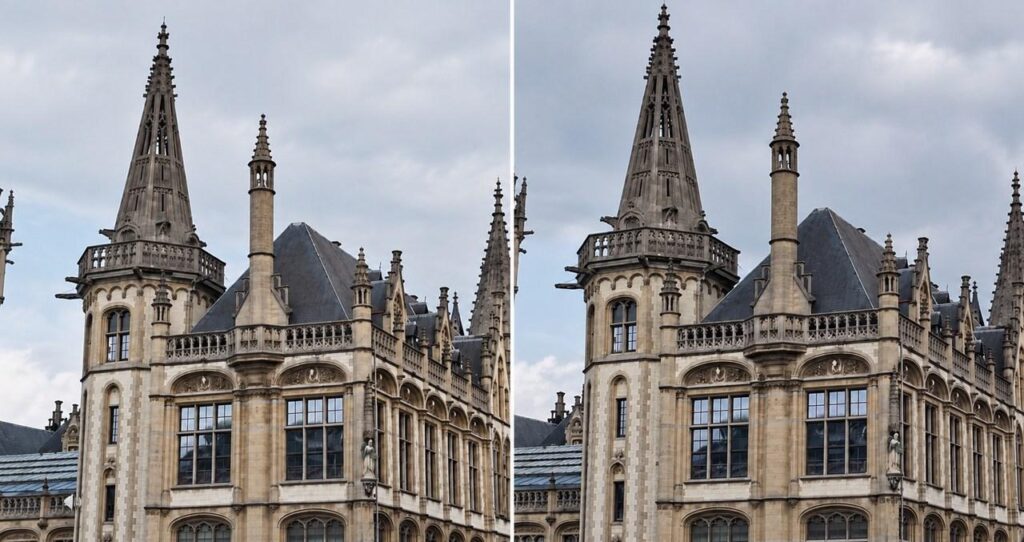
Back at a larger screen, put the wide frame next to the detail. Try a crop of the wide frame too. Compare the lettering, stone grain, or chipped edge at the size you would actually print. Which image would you use to open a photo essay, and which would you save for the turn of the page?
The Black Friday offer takes $46 off the grip-and-lens combination. If architectural details keep turning up in your crops, find the 3.5X bundle on Amazon and match the case to your iPhone Pro model.
Enjoyed this article?
If TechLatest has helped you, consider supporting us with a one-time tip on Ko-fi. Every contribution keeps our work free and independent.
Support on Ko-fiDirectly in Your Inbox